1
Activating the Device License
Afteryouobtaintherequireddevice
licenses(seeOrderingProductLicenses),
youneedtoactivateeachdevicelicense
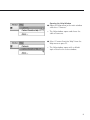
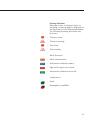
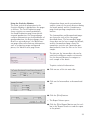
individually�Checkweighersormetaldetectorsthatdonothaveactivelicensesare
representedbygraycheckweigherormetal
detectoriconsintheNetworkConfigurationwindow�
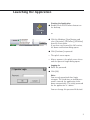
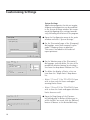
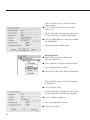
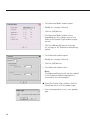
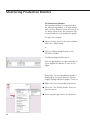
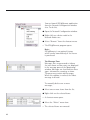
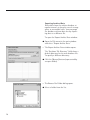
Toactivateadevicelicense:
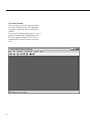
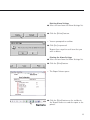
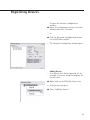
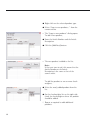
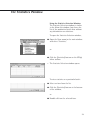
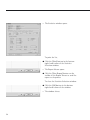
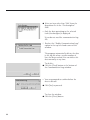
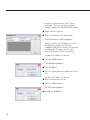
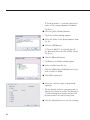
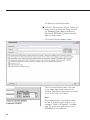
§ OpentheNetworkConfigurationwindow�
(See“RegisteringtheDevices”formore
information�)
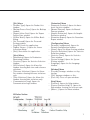
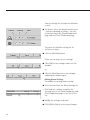
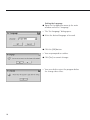
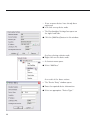
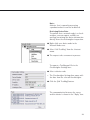
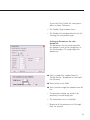
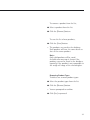
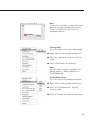
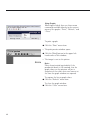
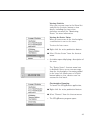
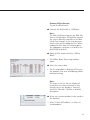
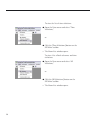
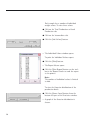
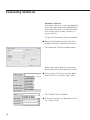
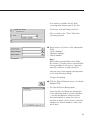
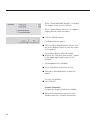
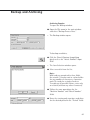
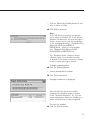
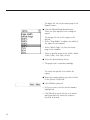
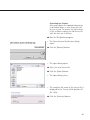
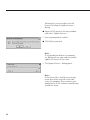
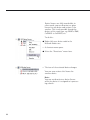
§ Right-clickonadevicenodeintheNetworkNodestree�
> Ashortcutmenuopens�
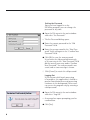
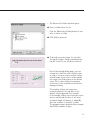
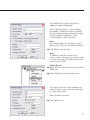
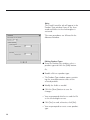
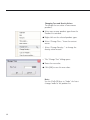
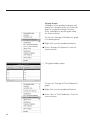
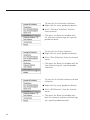
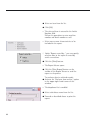
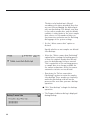
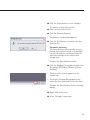
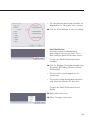
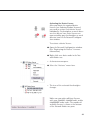
§ Selectthe“Activate”menuitem�
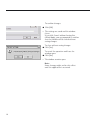
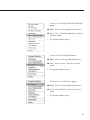
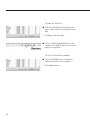
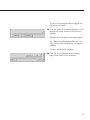
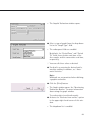
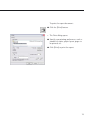
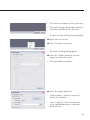
> Theiconoftheactivatedcheckweigher
changes�
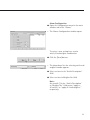
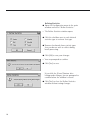
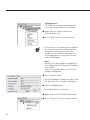
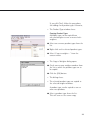
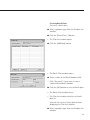
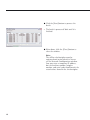
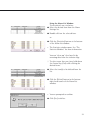
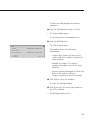
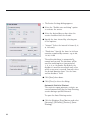
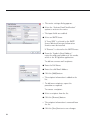
Makesureyouordersufficientlicenses
withyour62899XS,62899XCombi,and/or
62899XMDPordercodes�Thenumberof
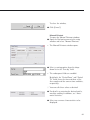
availablelicensesisshownatthebottom
oftheNetworkNodestreepane�
89