1
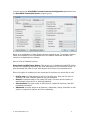
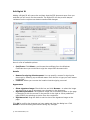
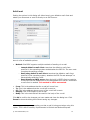
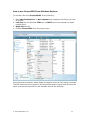
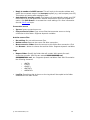
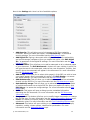
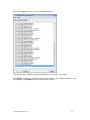
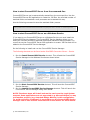
Edit Watermark Add a Watermark to identify the contents of the document to the reader (e.g. Draft, Confidential, Top Secret, etc.). Here is a list of available options: Watermark text: Type the text you want for the watermark. To insert the page number, enter %P (e.g. PAGE %P will yield, PAGE 1, PAGE2, etc.). Font: Click the Select... button and select the font, style and size you want for the watermark. Text orientation: Specify how the text will appear on the document. Place watermark on: Specify where the watermark will appear on the document. Watermark layer: Specify whether the watermark will appear above or below the document contents. Please note that some applications will fill the entire background with white before printing. You must use the top layer when printing from these applications or the watermark will be hidden. Watermark ink strength: Drag the slider to set the ink strength of the watermark. Click OK to confirm the changes you have made and close the dialog box. Click Cancel to close the dialog box without saving any changes. © 2007 Software602, Inc. 13