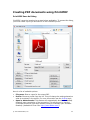
1
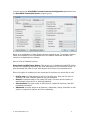
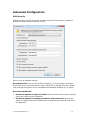
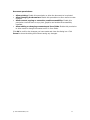
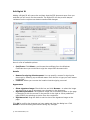
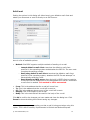
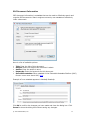
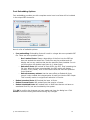
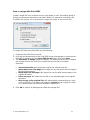
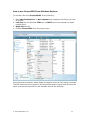
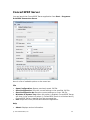
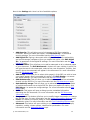
Fast web view: Linearize the PDF for fast viewing from the web. Page display mode: This option determines which panes and tabs are displayed in the Adobe Reader application. Automatically create hyperlinks: Attempts to find text that has certain prefixes and marks that text as a hyperlink (default prefixes are as follows: http://;https://;www.;mailto:;ftp://). See the Developer Guide for more information on how to customize this feature. Automatically create bookmarks: Automatically convert titles in the document to PDF bookmarks. This will search the document for the three largest font sizes and create a bookmark tree three levels deep containing these bookmarks. See the Developer Guide for more information on how to customize this feature. NOTE: Print resolution cannot be changed once printing has started (e.g. from the Save PDF File As dialog). Please use the Print2PDF Conversion Server Configuration application to change this value. Click OK to confirm the changes you have made and close the dialog box. Click Cancel to close the dialog box without saving any changes. © 2007 Software602, Inc. 21