1
Chapter 6 Maintaining the RMS Database
Note
Depending on the size of the database, this could take several hours.
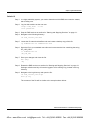
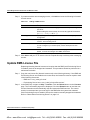
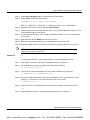
Step 6
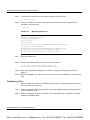
When the command line prompt returns the database restore is complete. Close the
command line interface by typing exit.
Step 7
Start the RMS Server as outlined in “Starting and Stopping Services” on page 2-1.
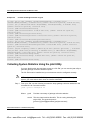
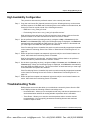
Solaris 10
To restore your database on a Solaris platform, use the following procedure.
Step 1
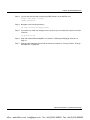
Log into the RMS host machine as the root user:
rlogin <rms_host> –l root
<root password>
Step 2
Stop the RMS Server as outlined in “Starting and Stopping Services” on page 2-1.
Step 3
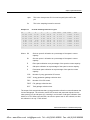
Navigate to the following directory and locate the most recent database backup file. The
dbRestore utility automatically picks up the most recent database-backup file from the
backup directory. Verify that this is the data to be restored:
cd <rms_install_dir>/backup
ls -ltr
Step 4
Navigate to the following directory and locate the dbRestore utility:
cd <rms_install_dir>/bin
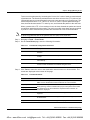
Step 5
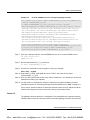
Run DbRestore specifying the path and filename of the file to be restored.
.\dbRestore.bat
<rms_install_dir>/backup/database-backup_2010_05_03_01_00_00.sql
Note
Depending on the size of the database, this process may take hours to complete.
Step 6
Start the RMS Server as outlined in “Starting and Stopping Services” on page 2-1.
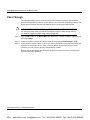
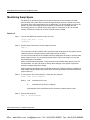
Starting and Stopping the Database Service
The MySQL server can be started and shut down manually from the command line.
Redline Communications Inc. Confidential and Proprietary
6-9
4Gon www.4Gon.co.uk [email protected] Tel: +44 (0)1245 808295 Fax: +44 (0)1245 808299