1
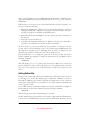
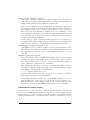
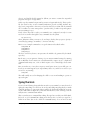
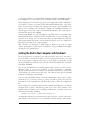
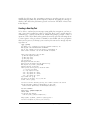
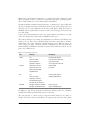
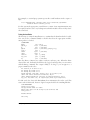
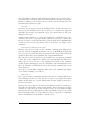
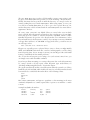
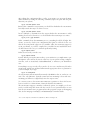
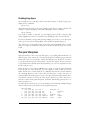
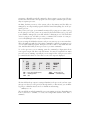
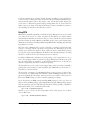
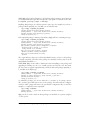
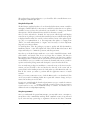
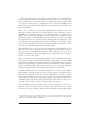
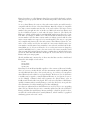
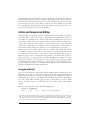
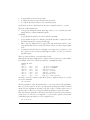
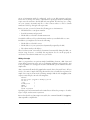
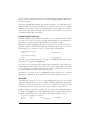
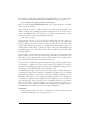
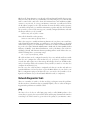
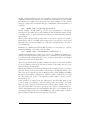
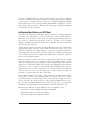
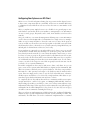
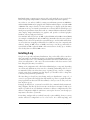
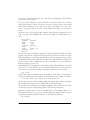
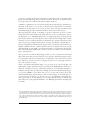
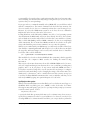
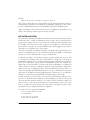
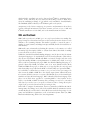
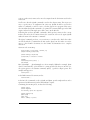
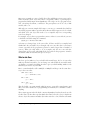
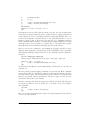
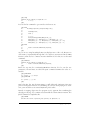
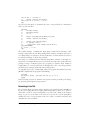
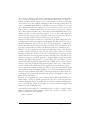
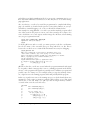
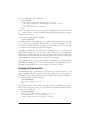
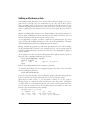
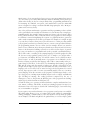
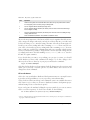
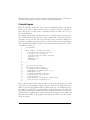
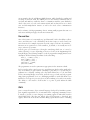
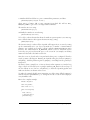
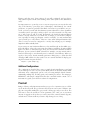
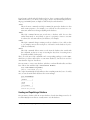
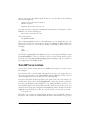
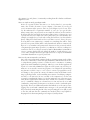
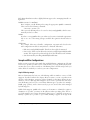
Code that goes into a shared library needs to be position-independent. This is just a
convention for object code that makes it possible to use the code in shared libraries.
You make gcc emit position-independent code by passing it one of the command-line
switches -fpic or -fPIC. The former is preferred, unless the modules have grown so
large that the relocatable code table is simply too small, in which case the compiler
will emit an error message and you have to use -fPIC. To repeat our example from
the last section:
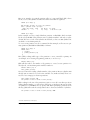
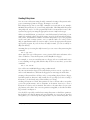
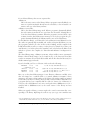
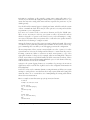
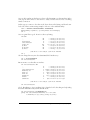
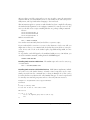
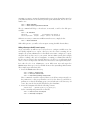
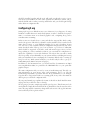
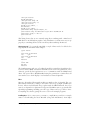
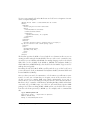
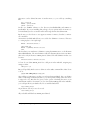
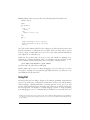
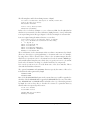
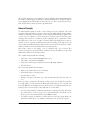
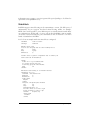
papaya$ gcc -c -fpic square.c factorial.c
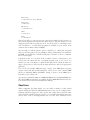
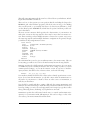
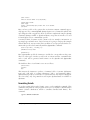
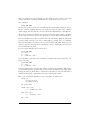
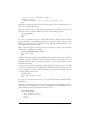
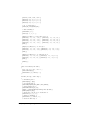
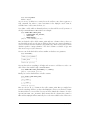
This being done, it is just a simple step to generate a shared library:*
papaya$ gcc -shared -o libstuff.so square.o factorial.o
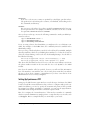
Note the compiler switch -shared. There is no indexing step as with static libraries.
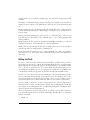
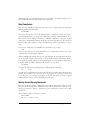
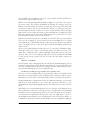
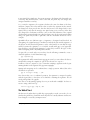
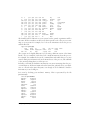
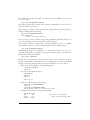
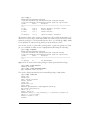
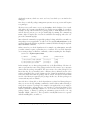
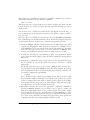
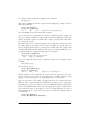
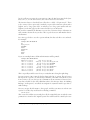
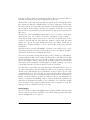
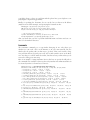
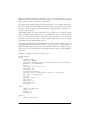
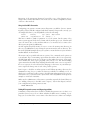
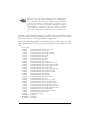
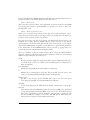
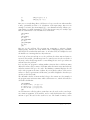
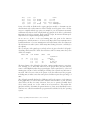
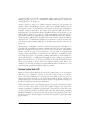
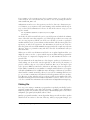
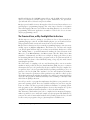
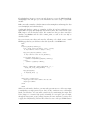
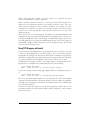
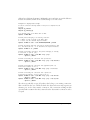
Using our newly created shared library is even simpler. The shared library doesn’t
require any change to the compile command:
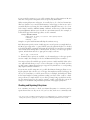
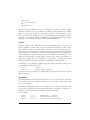
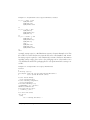
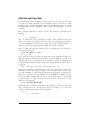
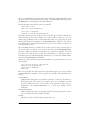
papaya$ gcc -I../include -L../lib -o wibble wibble.c -lstuff -lm
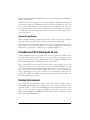
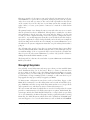
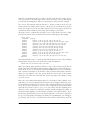
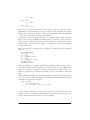
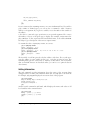
You might wonder what the linker does if a shared library libstuff.so and a static
library libstuff.a are available. In this case, the linker always picks the shared library.
To make it use the static one, you will have to name it explicitly on the command
line:
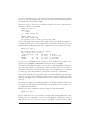
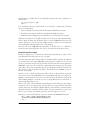
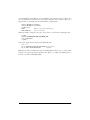
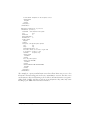
papaya$ gcc -I../include -L../lib -o wibble wibble.c libstuff.a -lm
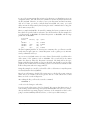
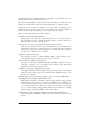
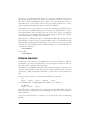
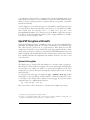
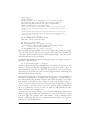
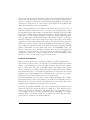
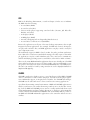
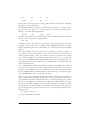
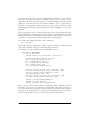
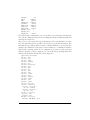
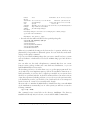
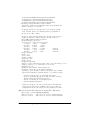
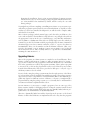
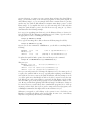
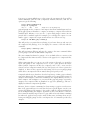
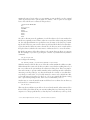
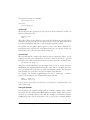
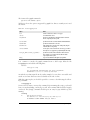
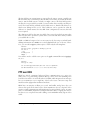
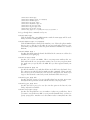
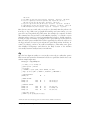
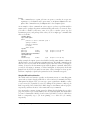
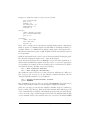
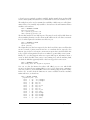
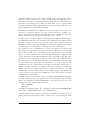
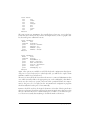
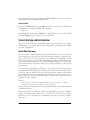
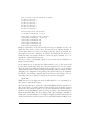
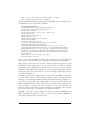
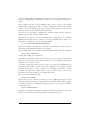
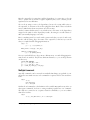
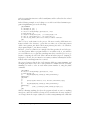
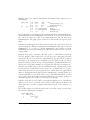
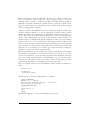
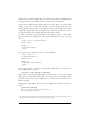
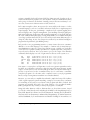
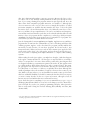
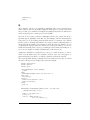
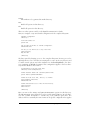
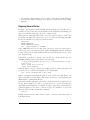
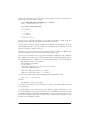
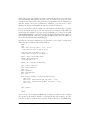
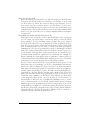
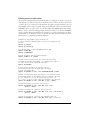
Another very useful tool for working with shared libraries is ldd. It tells you which
shared libraries an executable program uses. Here’s an example:
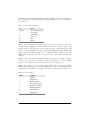
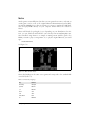
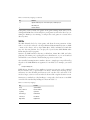
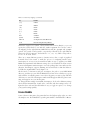
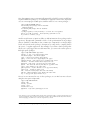
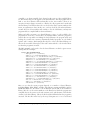
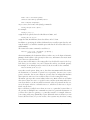
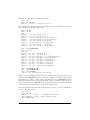
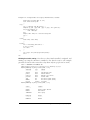
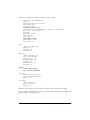
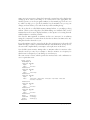
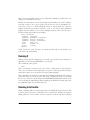
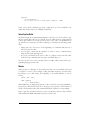
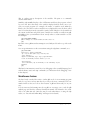
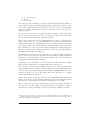
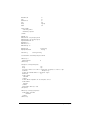
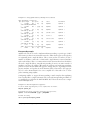
papaya$ ldd wibble
linux-gate.so.1 => (0xffffe000)
libstuff.so => libstuff.so (0x400af000)
libm.so.5 => /lib/libm.so.5 (0x400ba000)
libc.so.5 => /lib/libc.so.5 (0x400c3000)
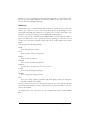
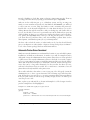
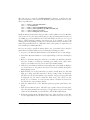
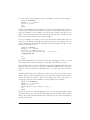
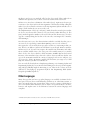
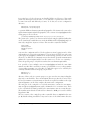
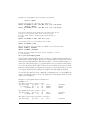
The three fields in each line are the name of the library, the full path to the instance
of the library that is used, and where in the virtual address space the library is
mapped to. The first line is something arcane, part of the Linux loader implementation that you can happily ignore.
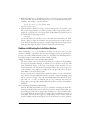
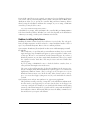
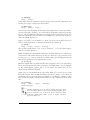
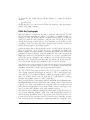
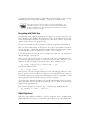
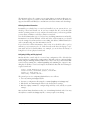
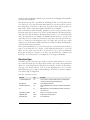
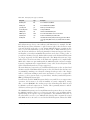
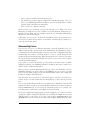
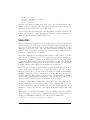
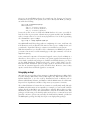
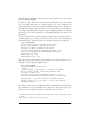
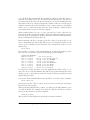
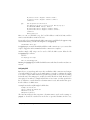
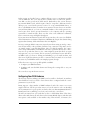
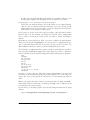
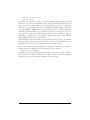
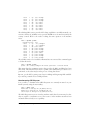
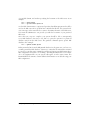
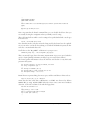
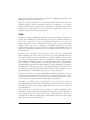
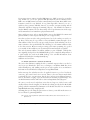
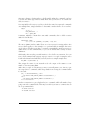
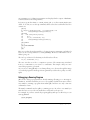
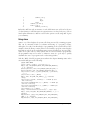
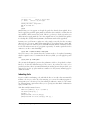
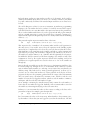
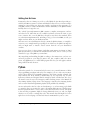
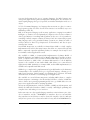
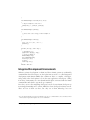
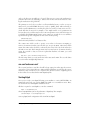
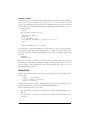
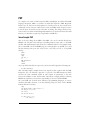
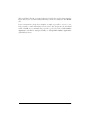
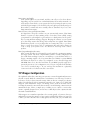
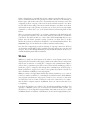
If ldd outputs not found for a certain library, you are in trouble and won’t be able to
run the program in question. You will have to search for a copy of that library. Perhaps it is a library shipped with your distribution that you opted not to install, or it is
already on your hard disk but the loader (the part of the system that loads every executable program) cannot find it.
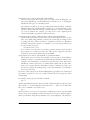
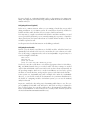
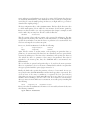
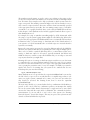
* In the ancient days of Linux, creating a shared library was a daunting task of which even wizards were afraid.
The advent of the ELF object-file format reduced this task to picking the right compiler switch. Things sure
have improved!
692
|
Chapter 21: Programming Tools
This is the Title of the Book, eMatter Edition
Copyright © 2007 O’Reilly & Associates, Inc. All rights reserved.