1
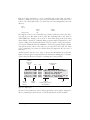
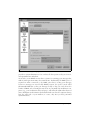
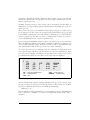
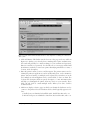
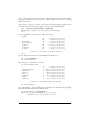
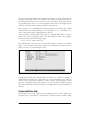
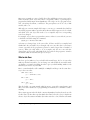
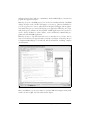
should be installed together with X.org. It will guide you through a series of questions about your hardware. If some of the questions are difficult to answer, just go
with the default and see what you end up with. In the end, you should again end up
with a skeleton configuration file.
Configuring X.org
Setting up X.org is not difficult in most cases. However, if you happen to be using
hardware for which drivers are under development, or wish to obtain the best performance or resolution from an accelerated graphics card, configuring X.org can be
somewhat time-consuming.
In this section, we describe how to create and edit the xorg.conf file, which configures the X.org server. This file is by default located in /etc/X11/, but is searched for in
many other locations, so your distribution might elect to put it elsewhere. In any
case, it is best to start out with a skeleton configuration file generated by any of the
means described earlier. Then go for a low resolution: a good choice is 640 × 480,
which should be supported on all video cards and monitor types. Once you have
X.org working at a lower, standard resolution, you can tweak the configuration to
exploit the capabilities of your video hardware. The idea is that you want to make
sure X.org works at least minimally on your system and that something isn’t wrong
with your installation before attempting the sometimes difficult task of setting up
X.org for real use. With current hardware, you should easily be able to get up to
1280 × 1024 pixels (1024 × 768 on most laptops).
In addition to the information here, you should read the documentation at http://
www.x.org/X11R6.8.2/doc/, in particular the README files for your particular
graphics chipset.
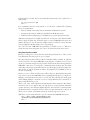
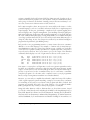
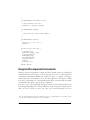
The main configuration file you need to create is /etc/X11/xorg.conf. This file contains information on your mouse, video card parameters, and so on. The file
/etc/X11/xorg.conf.install is provided with the X.org distribution as an example.
Copy this file to xorg.conf and edit it as a starting point, if any of the other methods
did not give you a skeleton configuration file.
The xorg.conf manual page explains the format of this file in detail. Read this manual page now if you have not done so already.
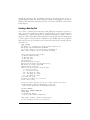
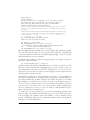
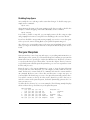
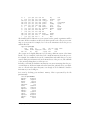
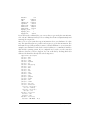
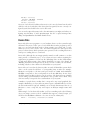
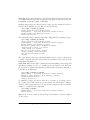
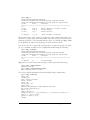
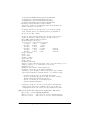
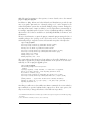
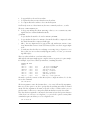
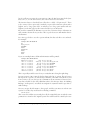
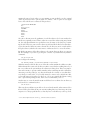
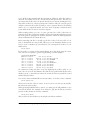
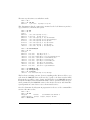
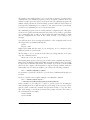
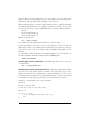
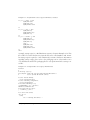
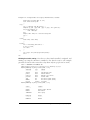
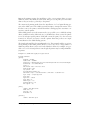
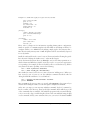
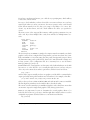
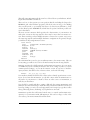
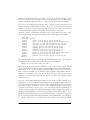
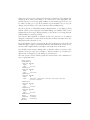
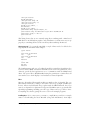
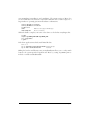
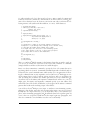
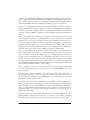
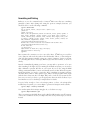
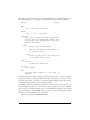
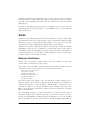
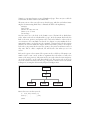
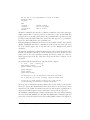
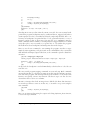
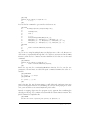
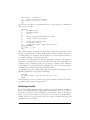
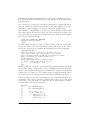
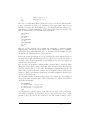
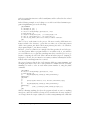
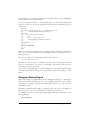
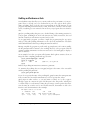
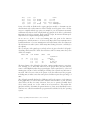
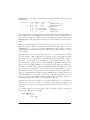
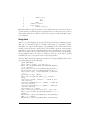
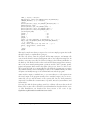
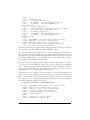
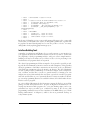
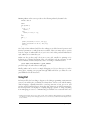
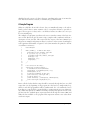
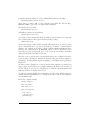
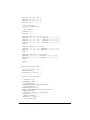
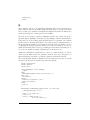
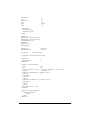
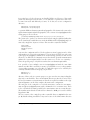
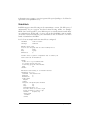
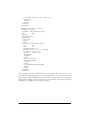
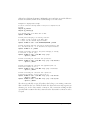
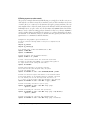
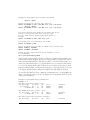
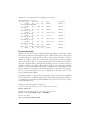
We are going to present a sample xorg.conf file, piece by piece. This file may not look
exactly like the sample file included in the X.org distribution, but the structure is the
same. The xorg.conf file format may change with each version of X.org; this information is valid only for X.org Version 6.8.2.
576
|
Chapter 16: The X Window System
This is the Title of the Book, eMatter Edition
Copyright © 2007 O’Reilly & Associates, Inc. All rights reserved.