1
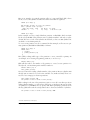
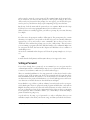
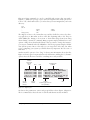
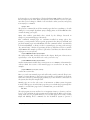
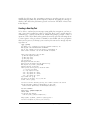
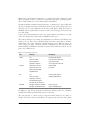
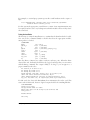
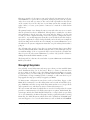
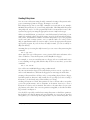
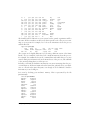
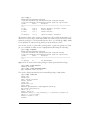
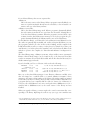
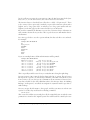
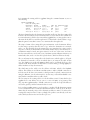
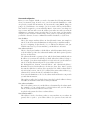
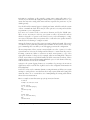
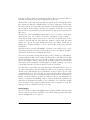
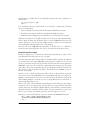
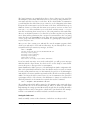
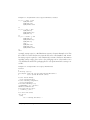
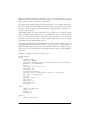
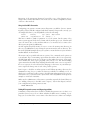
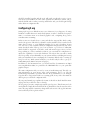
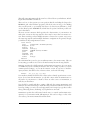
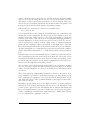
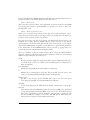
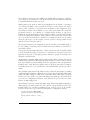
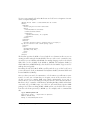
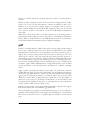
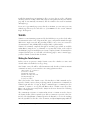
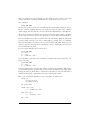
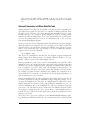
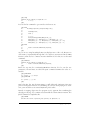
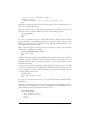
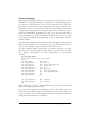
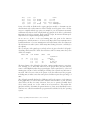
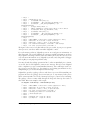
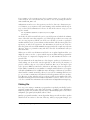
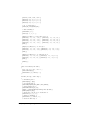
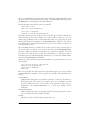
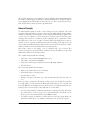
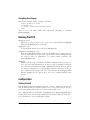
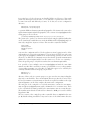
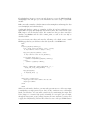
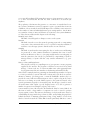
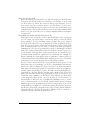
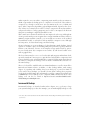
only to the directory in which it is located. This way, we can specify attributes for
particular directories by including a .htaccess file in those directories instead of listing the attributes in the global file.
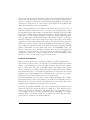
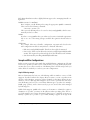
The primary use for local access files is to allow individual users to set the access permissions for personal HTML directories (such as ~/public_html) without having to
ask the system administrator to modify the global access file. Security issues are associated with this, however. For example, a user might enable access permissions in
her own directory such that any browser can run expensive server-side CGI scripts. If
you disable the AllowOverride feature, users cannot get around the access attributes
specified in the global configuration. This can be done by using:
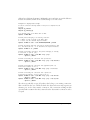
AllowOverride None
which effectively disables local .htaccess files.
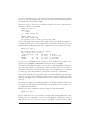
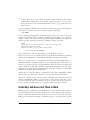
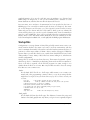
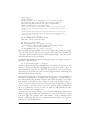
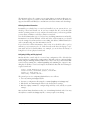
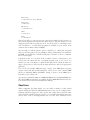
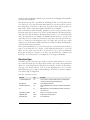
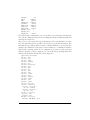
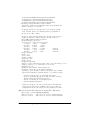
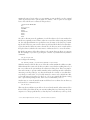
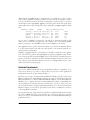
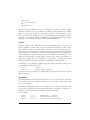
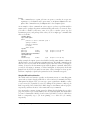
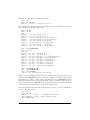
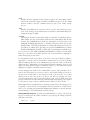
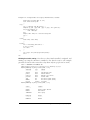
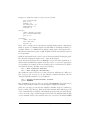
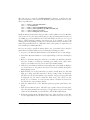
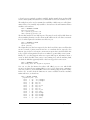
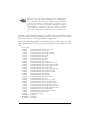
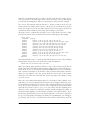
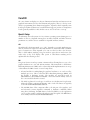
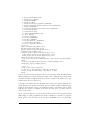
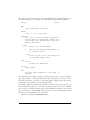
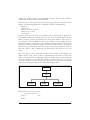
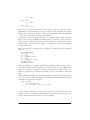
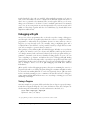
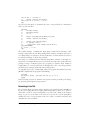
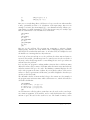
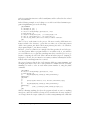
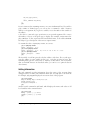
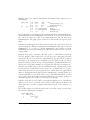
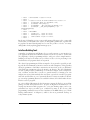
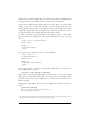
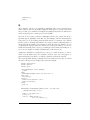
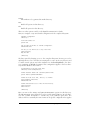
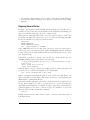
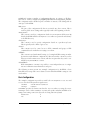
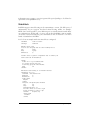
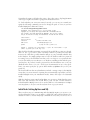
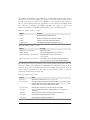
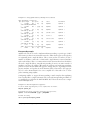
The <Limit GET> field is used to specify access rules for browsers attempting to
retrieve documents from this server. In this case, we specify Order allow,deny, which
means that allow rules should be evaluated before deny rules. We then instate the
rule Allow from all, which simply means any host may retrieve documents from the
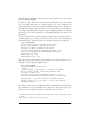
server. If you wish to deny access from a particular machine or domain, you could
add the line:
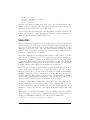
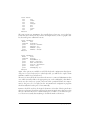
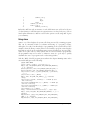
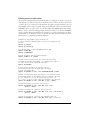
Deny from ..nuts.com biffnet.biffs-house.us
The first entry denies access from all sites in the nuts.com domain. The second denies
access from the site biffnet.biffs-house.us.
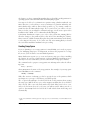
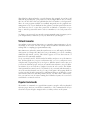
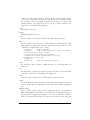
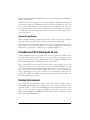
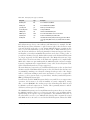
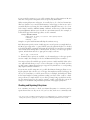
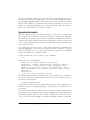
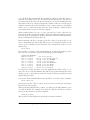
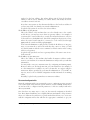
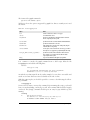
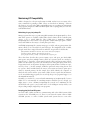
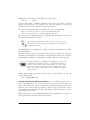
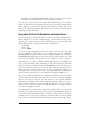
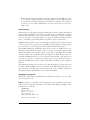
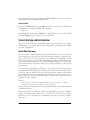
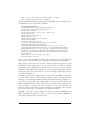
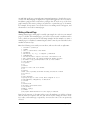
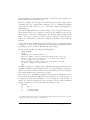
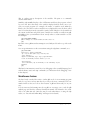
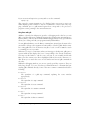
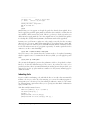
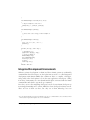
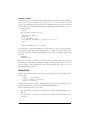
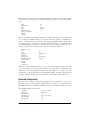
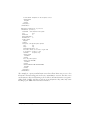
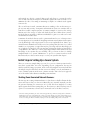
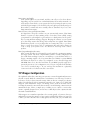
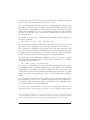
srm.conf and access.conf
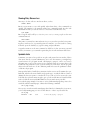
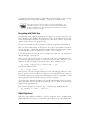
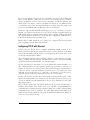
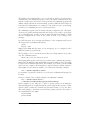
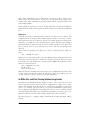
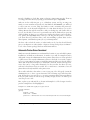
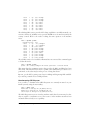
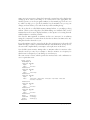
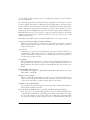
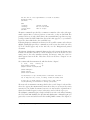
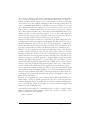
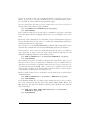
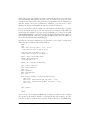
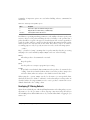
The srm.conf and access.conf files should be kept empty. In earlier Apache versions,
srm.conf stood for Server Resource Map and listed facilities provided by the server,
and access.conf controlled access to Apache files. All the resources originally placed
in those files are now listed in the main httpd.conf file.
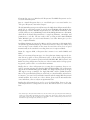
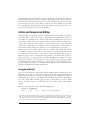
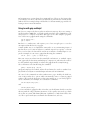
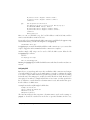
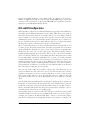
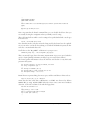
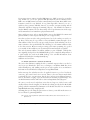
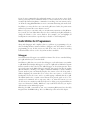
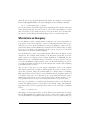
Starting httpd
Now you’re ready to run httpd, allowing your machine to service HTTP URLs. As
mentioned previously, you can run httpd from inetd or as a standalone server. Here,
we describe how to run httpd in standalone mode.
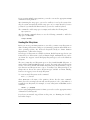
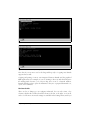
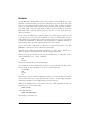
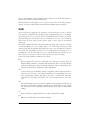
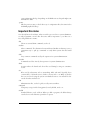
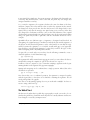
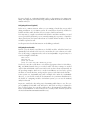
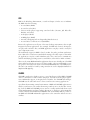
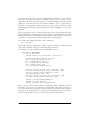
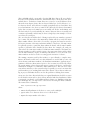
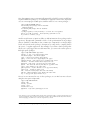
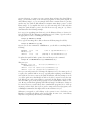
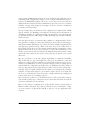
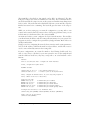
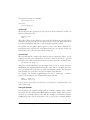
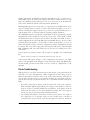
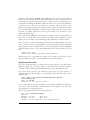
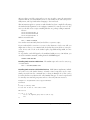
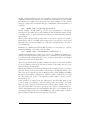
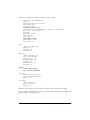
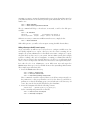
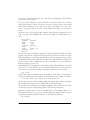
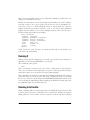
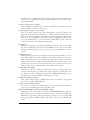
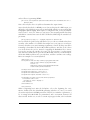
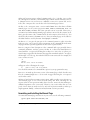
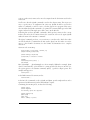
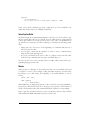
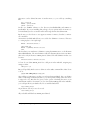
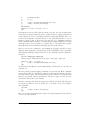
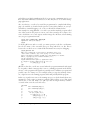
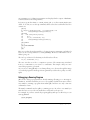
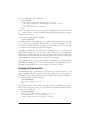
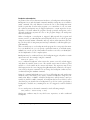
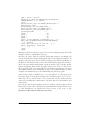
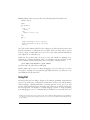
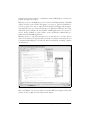
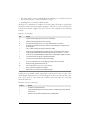
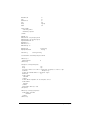
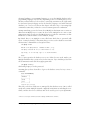
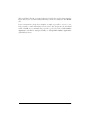
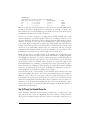
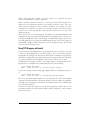
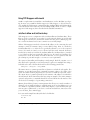
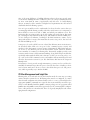
All that’s required to start httpd is to run the command:
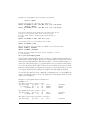
httpd -f configuration-file
where configuration-file is the pathname of httpd.conf. For example:
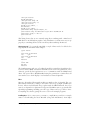
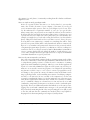
/usr/sbin/httpd -f /etc/httpd/httpd.conf
starts up httpd, with configuration files found in /etc/httpd.
774
|
Chapter 22: Running a Web Server
This is the Title of the Book, eMatter Edition
Copyright © 2007 O’Reilly & Associates, Inc. All rights reserved.