1
Table of Contents
Introduction …………………………………………………....3
Specifications ………………………………………………….3
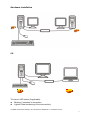
Hardware Installation ……………………………………..…..4
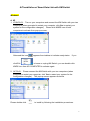
AP Installation of USB Cable KVM with Data Link ……..…..5
The Icon Status ……………………………………………...…9
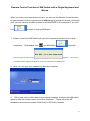
Remote Control Function of KM Switch with a
Single Keyboard and Mouse …………………………………10
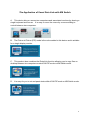
The Application of USB Cable KVM with Data Link ……..…11
Remark ………………………………………………………….12
2