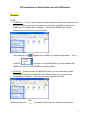
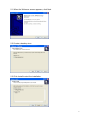
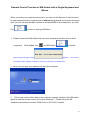
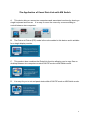
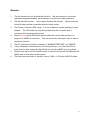
2.1 When the Welcome screen appears, click Next.
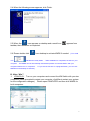
2.2 Create a desktop icon.
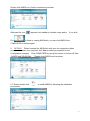
2.3 Click Install to start the installation.
6