1
AP Installation of Smart Data Link with KM Switch
Windows
A. XP
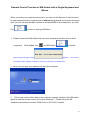
1. ICON PLAY:
Turn on your computers and connect the KM Switch with your two
computers (when prompted to restart your computer, click Yes to restart your
system for the configuration changes). Please click KMDS icon of both
computers to activate from pop-up screen.
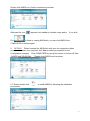
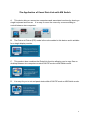
Afterward the icon
appears from taskbar to indicate ready status. If you
click Exit
to leave or unplug KM Switch, you can double-click
KMDS icon from MY COMPUTER to activate again.
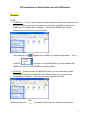
2. AP PLAY:
Please connect the KM Switch with your two computers (when
prompted to restart your computer, click Yes to restart your system for the
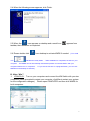
configuration changes). The pop-up screen appears as below.
Please double-click
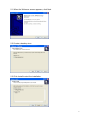
to install by following the installation procedures.
5