1
OPRoS Eclipse-based Test/Verification Tool
User Manual
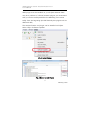
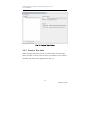
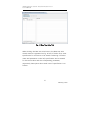
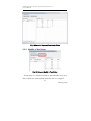
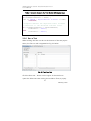
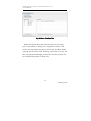
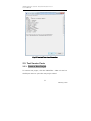
Fig. 24 State Test Run Tab
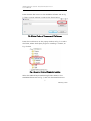
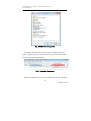
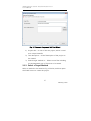
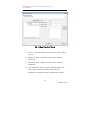
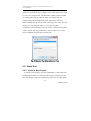
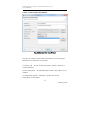
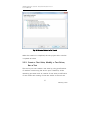
When clicking the Build and execute button on the upper
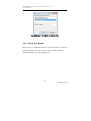
part of the window, a dialog box is appeared to select a test
suite to be used when running the test as Fig. 25 below. When
pressing the OK button after selecting a test suite to be run, the
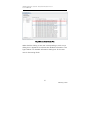
test is progressed. Messages produced by the test process can
be checked through the Console view.
31
February, 2011