1
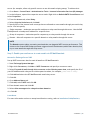
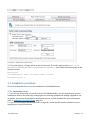
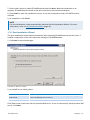
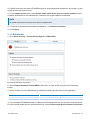
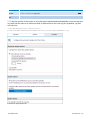
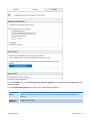
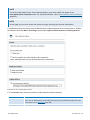
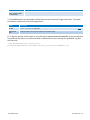
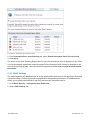
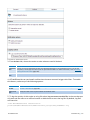
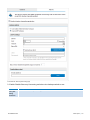
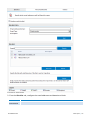
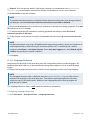
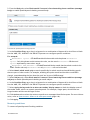
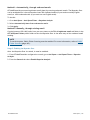
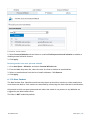
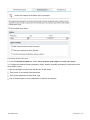
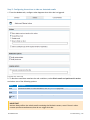
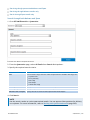
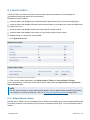
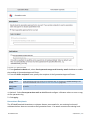
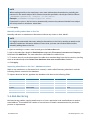
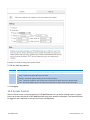
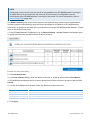
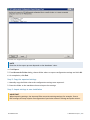
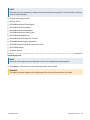
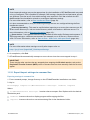
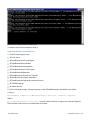
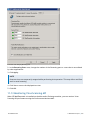
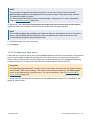
10. Specify how often you want GFI MailEssentials to check/download updates for this engine, by specifying an interval value in hours.
11. From Update options area, select Enable email notifications upon successful updates to send
an email notification to the administrator whenever the engine updates successfully.
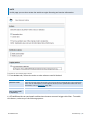
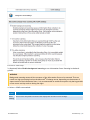
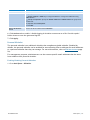
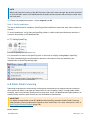
NOTE
An email notification is always sent when an update fails.
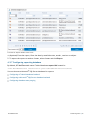
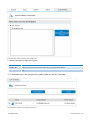
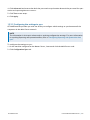
12. To check for and download updates immediately, click Download updates.
13. Click Apply.
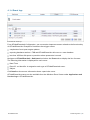
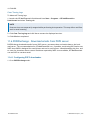
5.1.5 McAfee
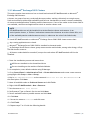
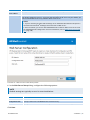
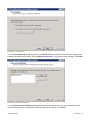
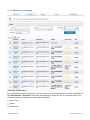
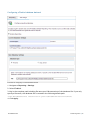
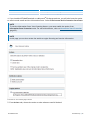
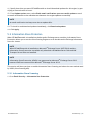
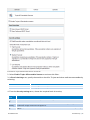
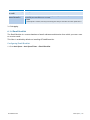
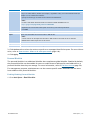
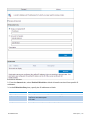
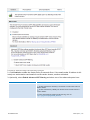
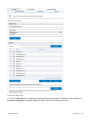
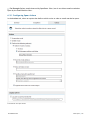
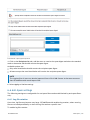
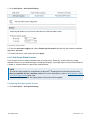
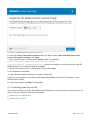
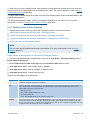
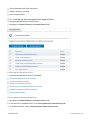
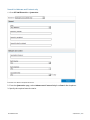
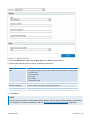
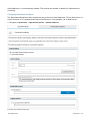
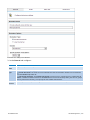
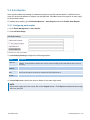
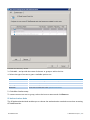
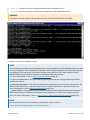
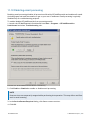
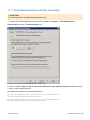
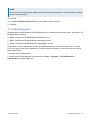
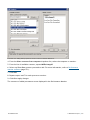
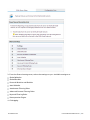
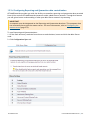
1. Go to Email Security > Virus Scanning Engines > McAfee.
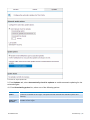
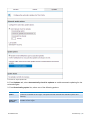
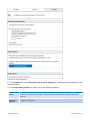
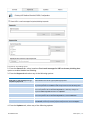
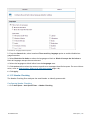
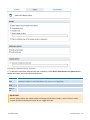
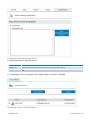
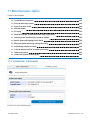
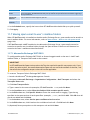
Screenshot 49: McAfee configuration
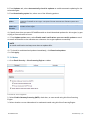
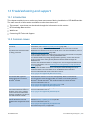
2. Select Enable Gateway Scanning (SMTP) check box, to scan emails using this Virus Scanning
Engine.
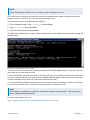
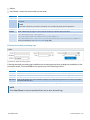
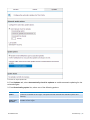
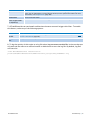
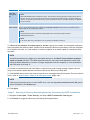
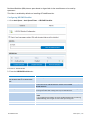
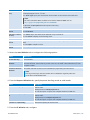
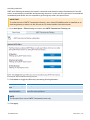
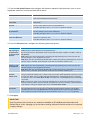
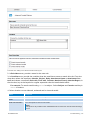
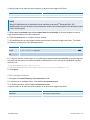
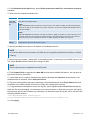
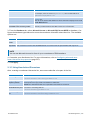
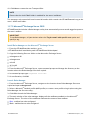
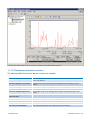
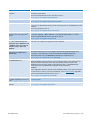
3. Select whether to scan inbound and/or outbound emails using this Virus Scanning Engine.
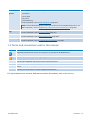
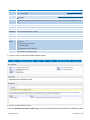
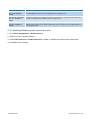
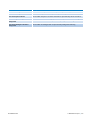
Option
Description
Scan Inbound SMTP email
Select this option to scan incoming emails
Scan Outbound SMTP email
Select this option to scan outgoing emails
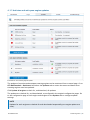
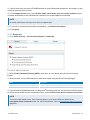
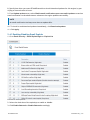
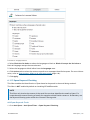
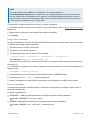
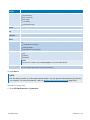
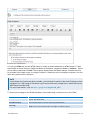
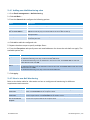
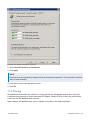
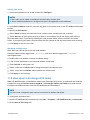
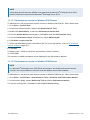
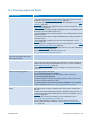
4. If you installed GFI MailEssentials on a Microsoft® Exchange machine, you will also have the option
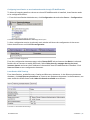
to scan internal emails and the Information Store. Select Scan Internal and Information Store Items.
GFI MailEssentials
5 Email Security | 88