1
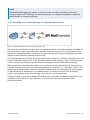
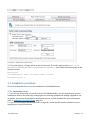
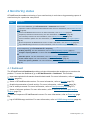
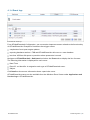
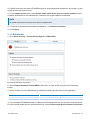
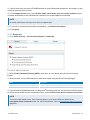
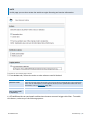
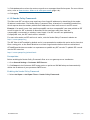
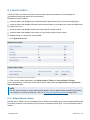
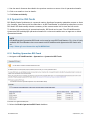
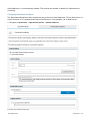
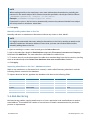
1. When an incorrectly classified email (false positive or false negative) is identified, users drag and
drop the email to the appropriate GFI AntiSpam public folder. For more information, refer to Using
Public folder scanning (page 169).
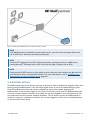
2. Public folder scanning retrieves emails from the GFI AntiSpam public folders and adds them to the
HAM/SPAM databases.
The GFI Antispam public folders must be created and configured on the mail server. For more
information, refer to Enabling Public Folder Scanning (page 166).
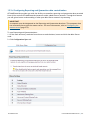
6.8.1 Enabling Public Folder Scanning
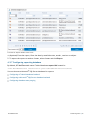
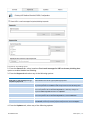
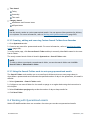
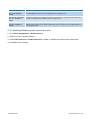
To enable public folders scanning follow the instructions listed in the sections below:
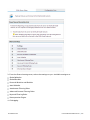
Public folder scanning setup for Microsoft ® Exchange Servers
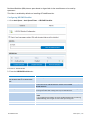
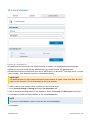
Configure a dedicated user account for Microsoft ® Exchange Server 2003
Configure a dedicated user account for Microsoft ® Exchange Server 2007/2010
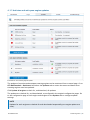
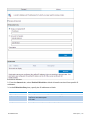
Hiding user posts in GFI AntiSpam Folders
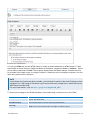
NOTE
You can also use GFI MailEssentials with Lotus Domino. For more information, refer to Lotus
Domino (page 31).
Public folder scanning setup for Microsoft® Exchange Servers
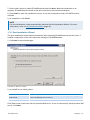
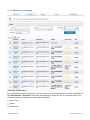
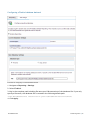
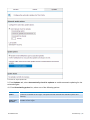
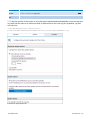
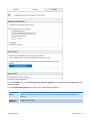
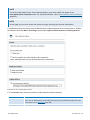
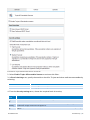
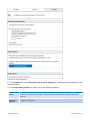
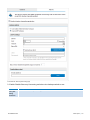
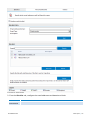
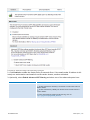
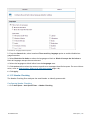
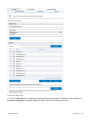
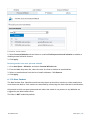
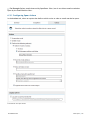
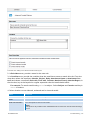
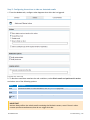
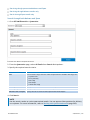
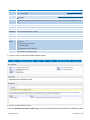
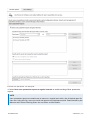
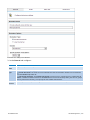
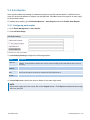
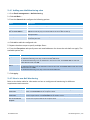
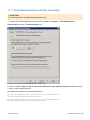
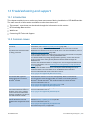
1. From the GFI MailEssentials configuration console go to Anti-spam > Anti-Spam Settings. Select
Public Folder Scanning tab.
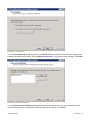
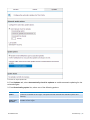
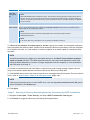
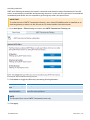
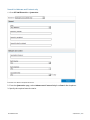
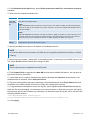
2. Select Enable Public Folder Scanning and from Poll public folder via list select:
Exchange Server 2003 - Select MAPI, IMAP or WebDAV.
Exchange Server 2007 - Choose WebDAV or Web Services.
Exchange Server 2010 - Choose Web Services.
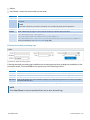
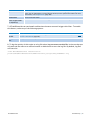
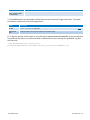
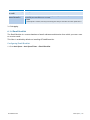
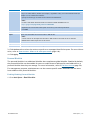
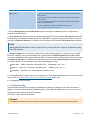
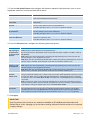
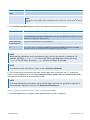
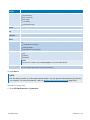
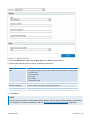
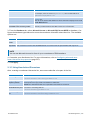
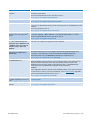
Options are described in the table below.
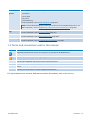
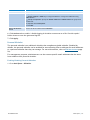
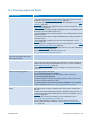
Option
Description
MAPI
To use MAPI, GFI MailEssentials must be installed on the machine on which Microsoft® Exchange Server
is installed. No other settings are required.
IMAP
Requires Microsoft® Exchange IMAP service. IMAP enables remote scanning of public folders and works
well in environments running firewalls. In addition, IMAP can be used with other Mail servers that
support IMAP. Parameters required are:
Mail server name
Port number (default IMAP port is 143)
Username/password
Select the Use SSL option to use a secure connection
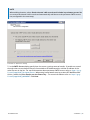
WebDAV
GFI MailEssentials
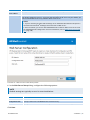
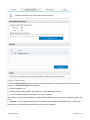
Specify mail server name, port (default WebDAV port is 80), username/password and domain. To use a
secure connection select the Use SSL checkbox. By default, public folders are accessible under the
‘public’ virtual directory. If this has been changed, specify the correct virtual directory name to access
the public folders by editing the text in the URL box.
6 Anti-Spam | 166