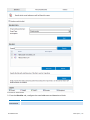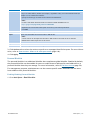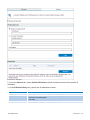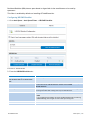
1
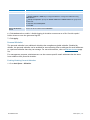
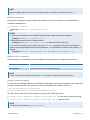
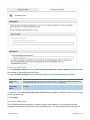
NOTE
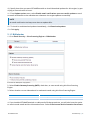
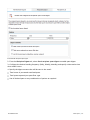
Some services are temporarily stopped while performing this operation. This may affect mail flow
and/or email scanning.
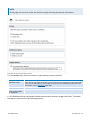
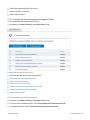
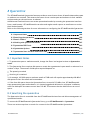
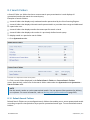
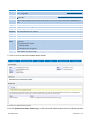
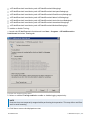
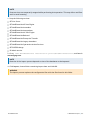
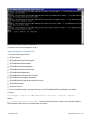
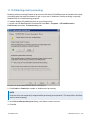
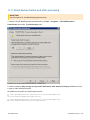
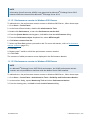
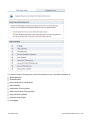
1. Stop the following services:
GFI List Server
GFI MailEssentials AS Scan Engine
GFI MailEssentials Attendant
GFI MailEssentials Autoupdater
GFI MailEssentials AV Scan Engine
GFI MailEssentials Backend
GFI MailEssentials Enterprise Transfer
GFI MailEssentials Legacy Attendant
GFI MailEssentials Quarantine Action Services
GFI POP2Exchange
IIS Admin service
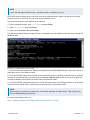
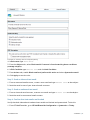
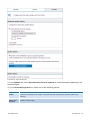
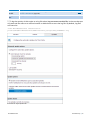
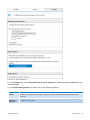
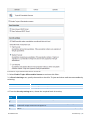
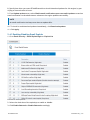
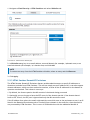
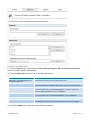
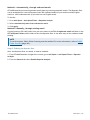
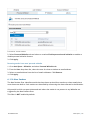
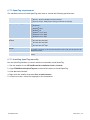
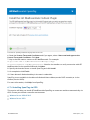
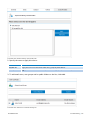
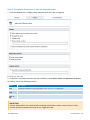
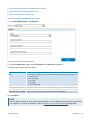
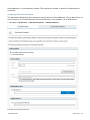
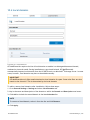
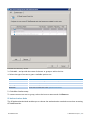
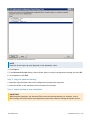
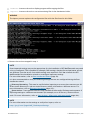
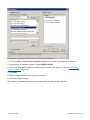
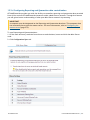
2. Go to <GFI MailEssentials installation path>\GFI\MailEssentials\ and launch
meconfigmgr.exe.
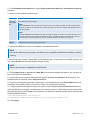
NOTE
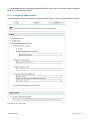
Duration of the import process depends on size of the databases to be imported.
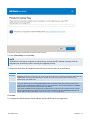
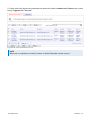
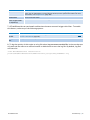
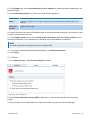
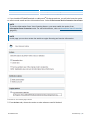
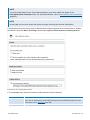
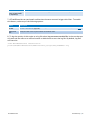
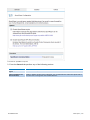
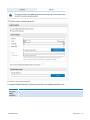
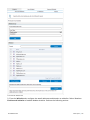
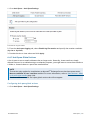
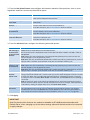
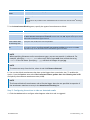
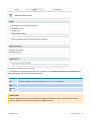
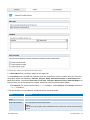
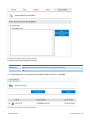
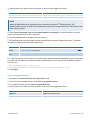
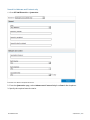
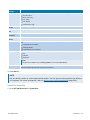
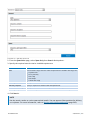
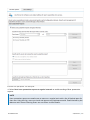
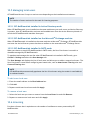
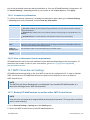
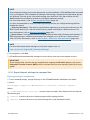
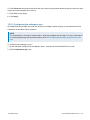
4. Click Import, choose folder containing import data and click OK.
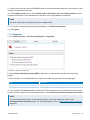
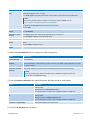
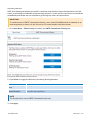
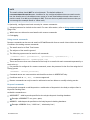
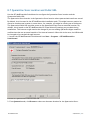
WARNING
The import process replaces the configuration files with the files found in this folder.
GFI MailEssentials
11 Miscellaneous topics | 261