1
Interface of the program
4.7.2
4.7 Detail display
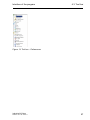
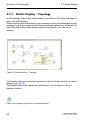
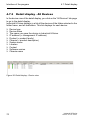
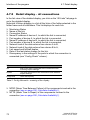
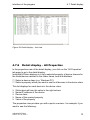
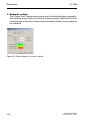
Detail display – List
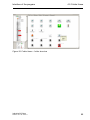
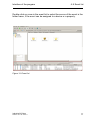
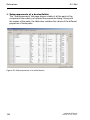
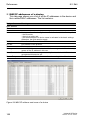
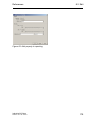
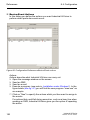
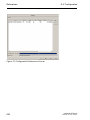
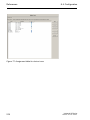
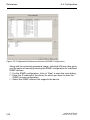
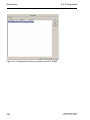
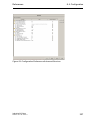
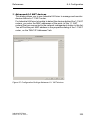
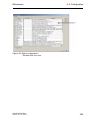
In the list view of the detail display, you click on the “List” tab page to go to
the detail display.
All the devices and connections in your network structure on this layer are
displayed in a list in accordance with the presentation options you selected.
You double-click on a device/component to get to a lower level in the display.
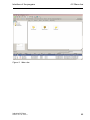
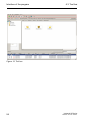
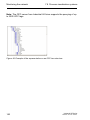
Figure 25: Detail display – list view
Industrial HiVision
Release 04.2.00 05/2011
69