1
10.8.1
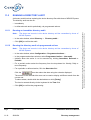
Finding a record in the log displayed
This type of search includes all the columns in the operation log, but only on the records
displayed.
To find the text, use one of the following two methods:
Procedure 1:
This document is the property of EADS TELECOM and should not be copied or circulated without permission
Ce document est la propriété de EADS TELECOM et ne doit pas être reproduit ou communiqué sans autorisation
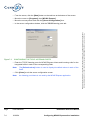
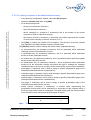
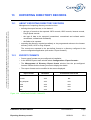
• Select Find in the Edit menu. The Find dialog box is displayed.
• In the Character string text field, enter the text you wish to find. If the text entered is
longer than the text field, it will scroll to the right. There is no limit to the number of
characters that can be entered.
• Click [Find] to start the search. the search result is then displayed in reverse video in
the operation log window.
Procedure 2:
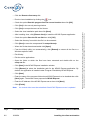
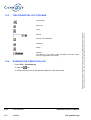
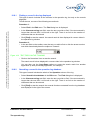
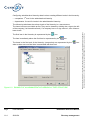
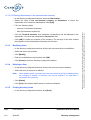
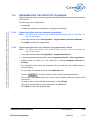
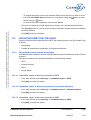
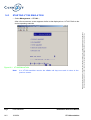
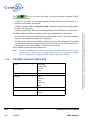
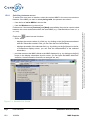
• In the text field on the toolbar, enter the text you wish to find or click the arrow to select
text which has already been the subject of a search.
Figure 10.2 TEXT FIELD ON THE TOOLBAR
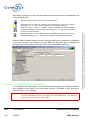
• Click on the 'binoculars' icon to start the search.
The search result is then displayed in reverse video in the operation log window.
You can then use the Copy-Paste options to paste the search result into another
application (a word processing application, for example).
10.8.2
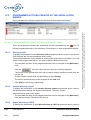
Searching a record in the operation log database
This type of search includes the whole of the Operation column of the log.
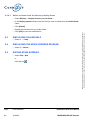
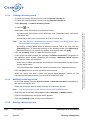
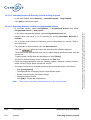
• Select Search in the database in the Edit menu. The Find dialog box is displayed.
• In the Character string text field, enter the text you wish to find. If the text entered is
longer than the text field, it will scroll to the right. There is no limit to the number of
characters that can be entered.
• Click [Find] to start the search. the records found are extracted from the log database
and displayed in the right of the screen.
Installation and User Manual
The operation log
PS9742BAA01
Page
16/03/04
10-5