1
6.2
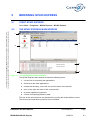
CONFIGURING M7425 EXPRESS WITH THE WIZARD
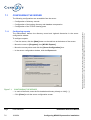
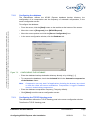
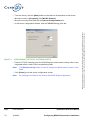
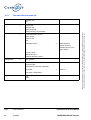
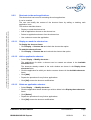
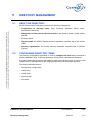
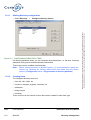
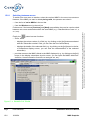
Configuring M7425 Express involves:
• Configuring the Intranet directory software key code.
• Configuring the connection: domain name, IP or PAD access.
• Directory database regeneration: this involves replacing the M7425 Express
database containing the items and directory records with that of the device.
• Configuring programmed actions: export of directory records, audit of directory
databse.
• Configuring pricing.
Default configuration values are automatically entered when M7425 Express is installed,
but they can be changed.
Note:
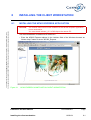
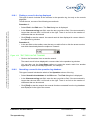
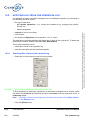
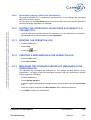
M7425 Express can be configured using the Wizard when the application is run
for the first time on the server, or directly from the M7425 Express menus.
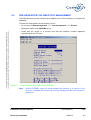
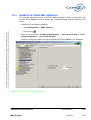
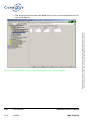
• Select Start ➘ Programs ➘ M7425 Express ➘ M7425 Express.
Caution:
The greyed out menus are APM application menus, not available in the product Export
version.
Page
PS9742BAA01
6-4
16/03/04
Installation and User Manual
Installing M7425 Express
This document is the property of EADS TELECOM and should not be copied or circulated without permission
Ce document est la propriété de EADS TELECOM et ne doit pas être reproduit ou communiqué sans autorisation
• Configuring export of directory records to external applications: Charging, Intranet
Directory, i2052, i2070 and Plug & Speak.