1
FILE MANAGER
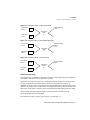
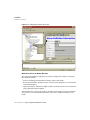
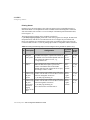
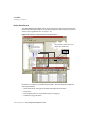
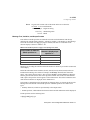
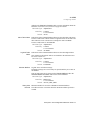
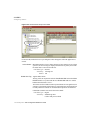
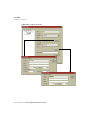
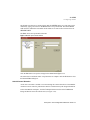
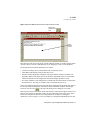
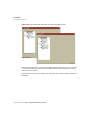
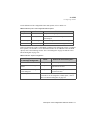
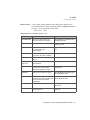
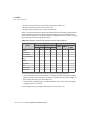
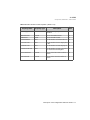
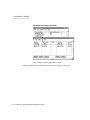
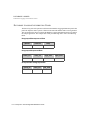
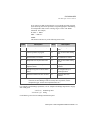
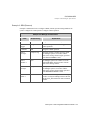
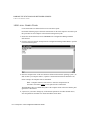
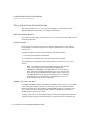
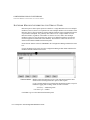
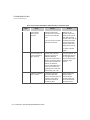
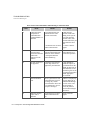
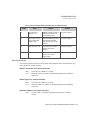
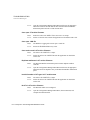
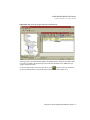
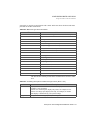
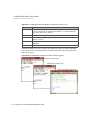
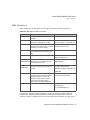
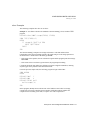
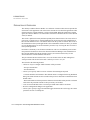
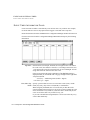
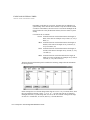
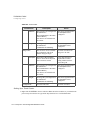
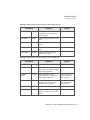
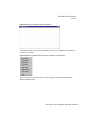
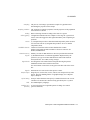
Sample File Manager Operations
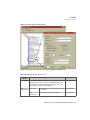
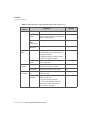
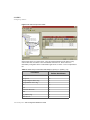
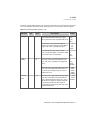
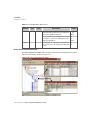
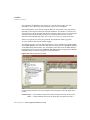
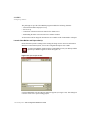
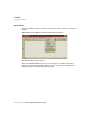
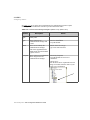
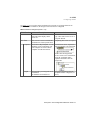
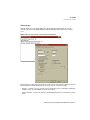
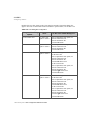
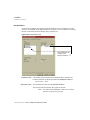
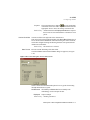
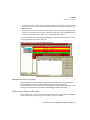
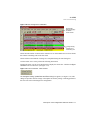
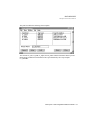
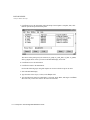
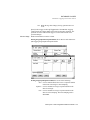
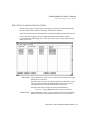
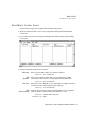
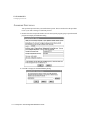
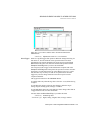
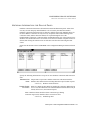
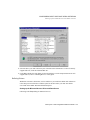
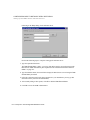
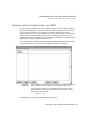
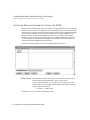
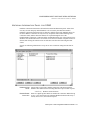
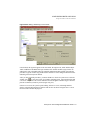
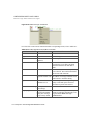
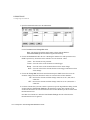
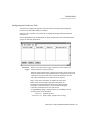
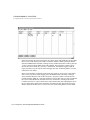
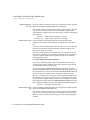
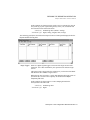
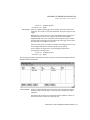
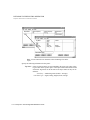
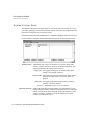
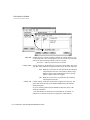
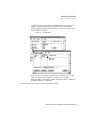
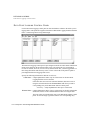
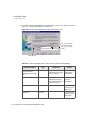
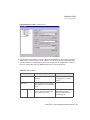
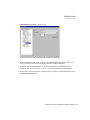
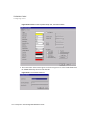
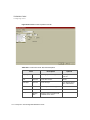
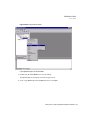
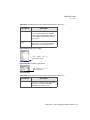
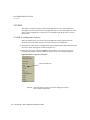
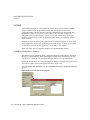
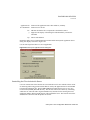
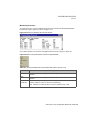
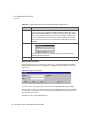
Sample File Manager Control Panel
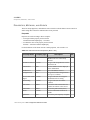
Field:
Sample
Entry:
Explanation:
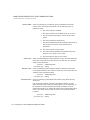
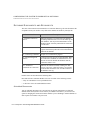
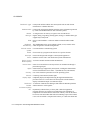
Source
Variable 1
fx1_ext
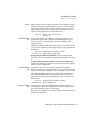
At run time, File Manager replaces the variable
%03d in the Source File Spec. field with the
value of this analog element. In this example, this
value is a three-number file extension, such as
.001.
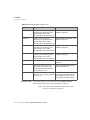
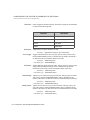
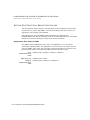
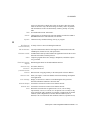
Destination
File Spec.
a:\archive
The path name where the source file is to be
copied. Destination Variables are not necessary
because this entry contains a static specifier.
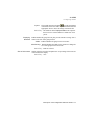
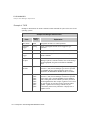
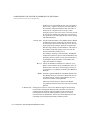
Completion
Trigger
copydone
When the COPY operation has been completed,
File Manager forces the value of this element to 1
(ON), indicating the operation is complete.
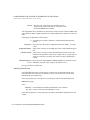
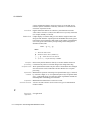
Completion
Status
copystat
When the COPY operation is complete, File
Manager indicates the status of the operation by
writing an analog value to this element. Use the
task’s TASKMESSAGE_U[6] tag to report
messages on the application screen in addition to
the Completion Status tag. For example, if you
get a status 12 in the Completion Status tag, you
also see the message: Can’t open file (path/file
name).
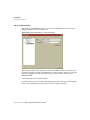
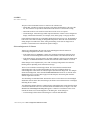
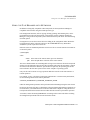
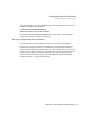
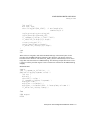
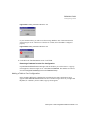
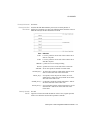
If you want to use IML for this function, set up a
math procedure triggered by the status tag itself.
In the procedure, assign the appropriate ASCII
string for each possible status code to a message
tag in a series of IF THEN statements. For
example,
IF status = 1 THEN
MSG = “whatever”
ENDIF
FactoryLink / Task Configuration Reference Guide / 261