1
TRENDING TASK
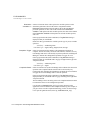
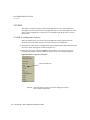
Configuring Trend
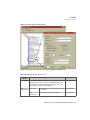
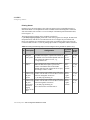
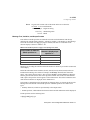
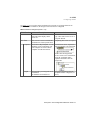
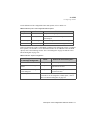
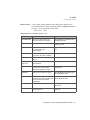
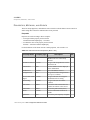
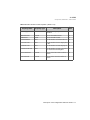
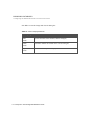
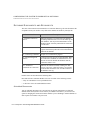
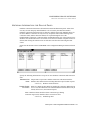
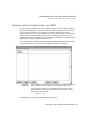
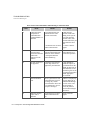
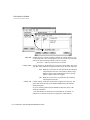
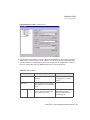
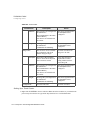
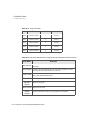
Table 29-11 TREND Control Properties Pens Tab, Axis Properties Section
Field Name
Definition
Axis Properties Command
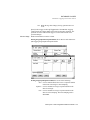
Invokes a dialog box to configure
Axis properties. For more
information about this dialog box,
refer to Figure 29-32 on page 612.
Button
Options
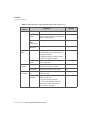
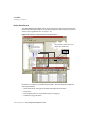
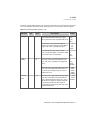
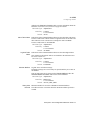
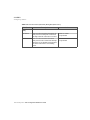
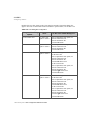
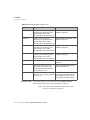
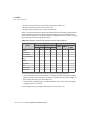
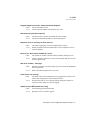
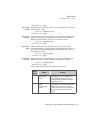
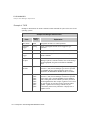
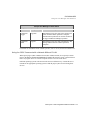
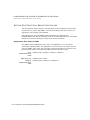
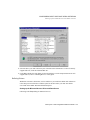
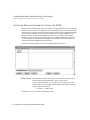
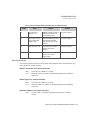
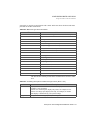
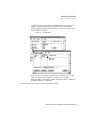
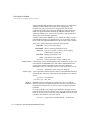
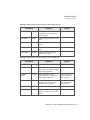
Table 29-12 TREND Control Properties Pens Tab, Other Options Section
Field Name
Definition
Show Pen
Check box
Interpolate
Check Box Check to enable the step-type
charting.
Use Color
Ranges
Check Box Check to enable chromatic data
value plotting.
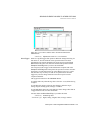
Color Ranges
Command
Button
Check to show a pen on the chart.
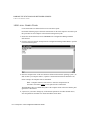
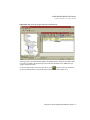
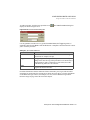
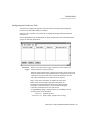
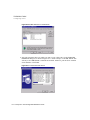
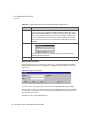
Invokes the Color Ranges Dialog
Box.
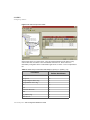
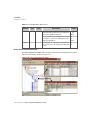
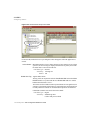
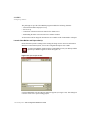
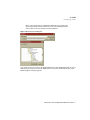
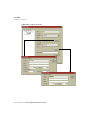
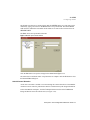
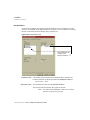
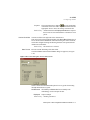
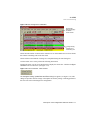
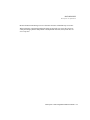
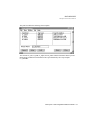
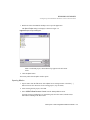
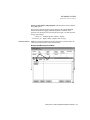
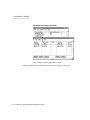
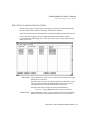
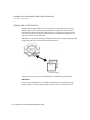
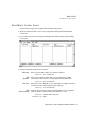
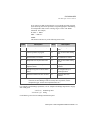
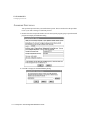
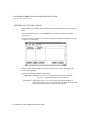
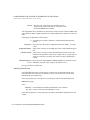
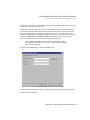
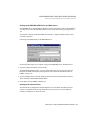
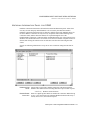
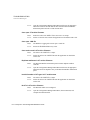
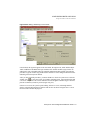
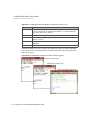
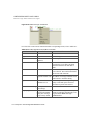
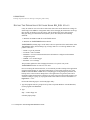
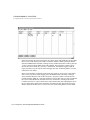
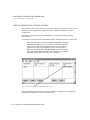
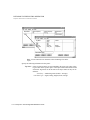
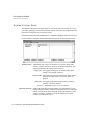
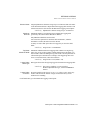
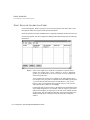
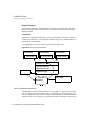
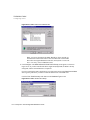
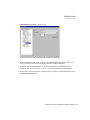
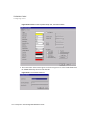
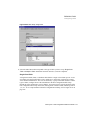
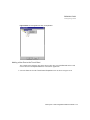
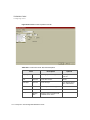
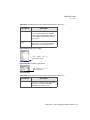
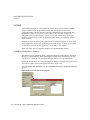
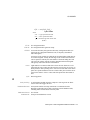
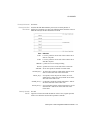
Figure 29-36 Color Ranges
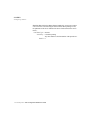
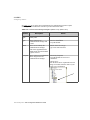
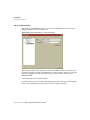
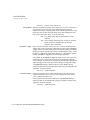
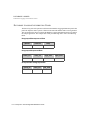
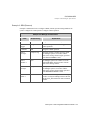
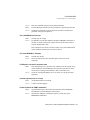
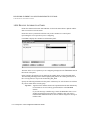
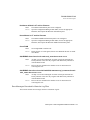
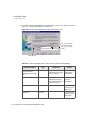
Table 29-13 TREND Control Properties Pens Tab, Other Options Section, Color Ranges
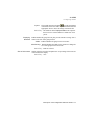
Field Name
Color Ranges
Command
Button
Definition
Click to invoke the dialog used to
configure Color Ranges.
620 / FactoryLink / Task Configuration Reference Guide