1
CONFIGURING THE SYSTEM TO WORK WITH A HISTORIAN
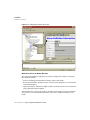
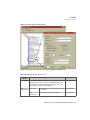
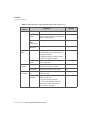
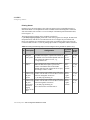
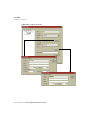
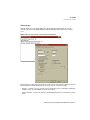
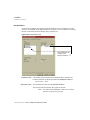
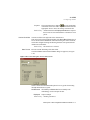
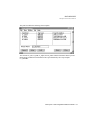
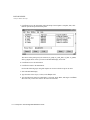
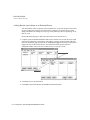
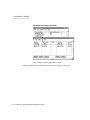
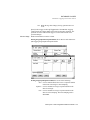
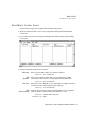
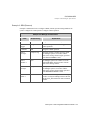
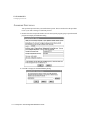
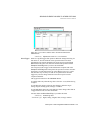
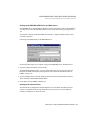
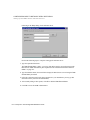
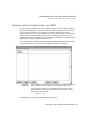
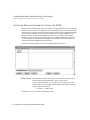
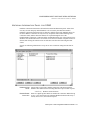
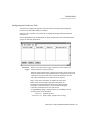
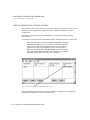
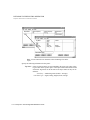
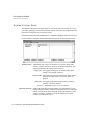
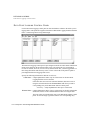
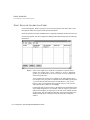
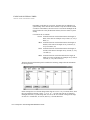
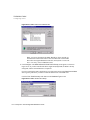
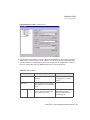
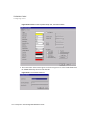
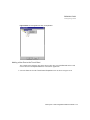
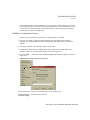
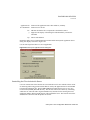
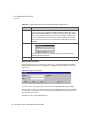
Setting Historian Run-Time Parameters
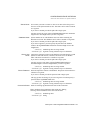
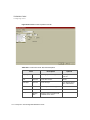
Display Name
Tag containing the string entered in the Task Name field. The field value is
displayed on the Run-Time Manager screen. This tag is part of an array and
is always named TASKNAMES[n] where n identifies the tag instance.
Increment n for this task to the next available number in the array.
Valid Entry: standard tag name
Valid Data Type: TASKNAMES[n]
Display Description
Tag that contains the string entered in the Description field on this panel.
This tag is part of an array and is always named TASKDESCS[n] where n
identifies the tag instance. Increment n for this task to the next available
number in the array.
Valid Entry: standard tag name
Valid Data Type: TASKDESCS[n]
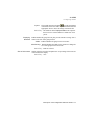
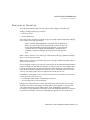
Start Order
Value of 1 that defines the order this task is started in at run time. Historians
must have a higher start order than the tasks that use Historian, such as
Database Logger, Database Browser, and Trend.
Valid Entry: numeric value of 1
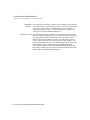
Priority
Value of 201 that defines the order the Run-Time Manager services task
requests in. This value is relative to the other tasks.
Valid Entry: numeric value of 201
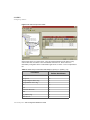
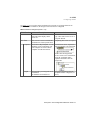
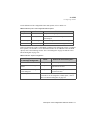
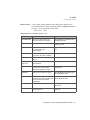
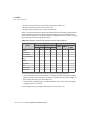
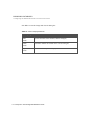
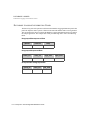
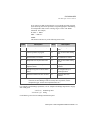
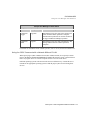
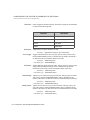
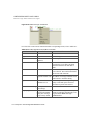
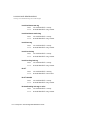
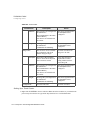
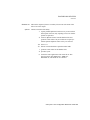
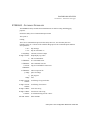
Executable File
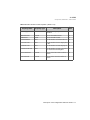
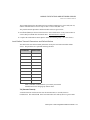
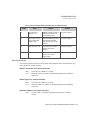
Complete executable file name for this Historian task relative to the FLINK
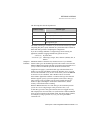
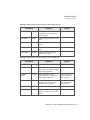
environment variable. Refer to the table below to determine what you need
to enter.
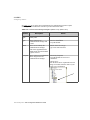
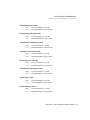
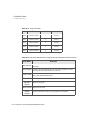
Task Name
DB4_HIST
bin/db4_hist
OR7_HIST, OR8_HIST
bin/or7_hist, bin/or8_hist
SYB_HIST
bin/syb_hist
ODBCHIST
bin/odbchist
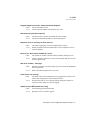
Application
Directory
Leave this field blank.
Program Directory
Leave this field blank.
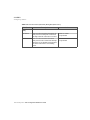
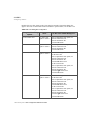
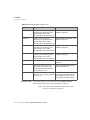
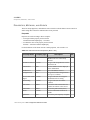
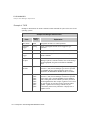
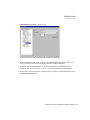
Program Argument
Executable File
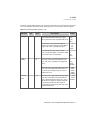
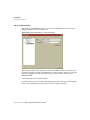
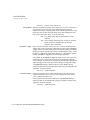
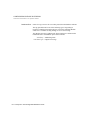
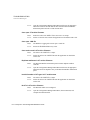
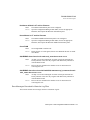
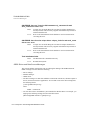
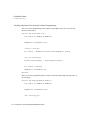
Any desired program arguments. These arguments control how the task
functions at run time. Following is a partial list specific to Historian.
FactoryLink / Task Configuration Reference Guide / 331