1
www.tissuegnostics.com
HistoQuest 3.0 User Manual
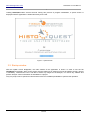
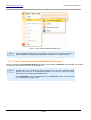
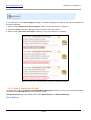
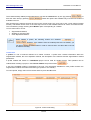
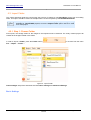
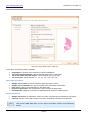
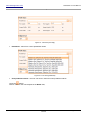
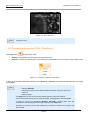
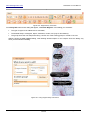
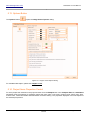
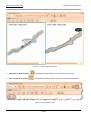
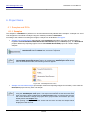
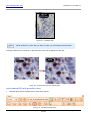
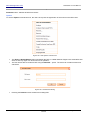
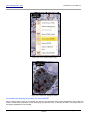
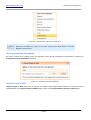
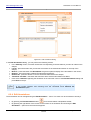
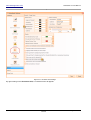
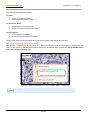
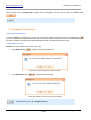
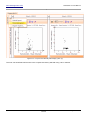
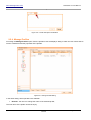
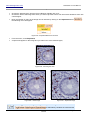
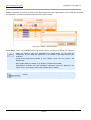
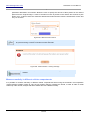
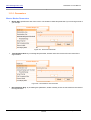
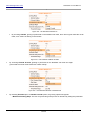
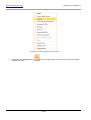
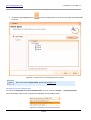
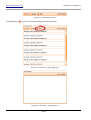
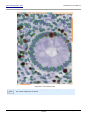
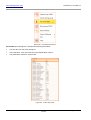
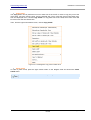
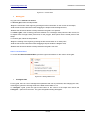
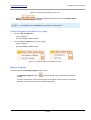
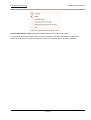
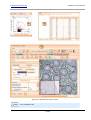
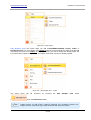
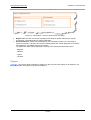
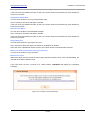
Figure 108 - Regions Easy Tool button
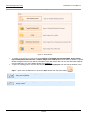
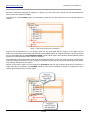
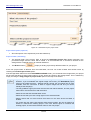
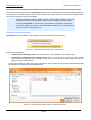
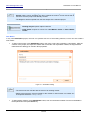
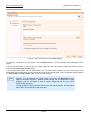
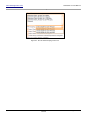
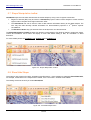
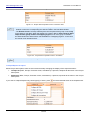
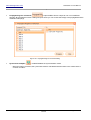
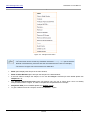
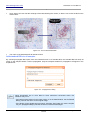
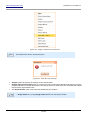
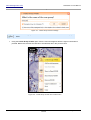
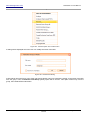
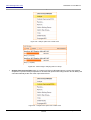
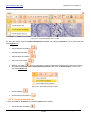
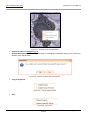
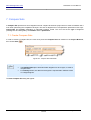
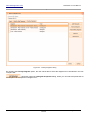
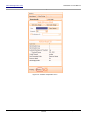
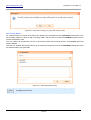
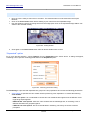
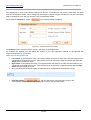
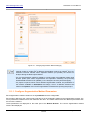
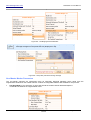
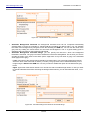
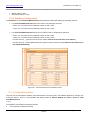
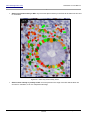
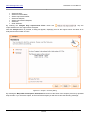
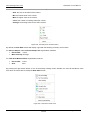
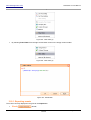
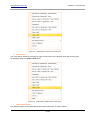
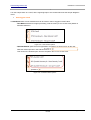
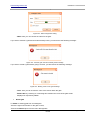
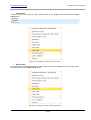
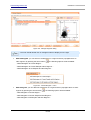
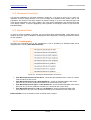
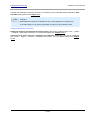
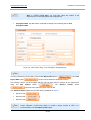
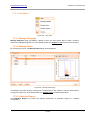
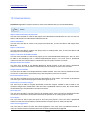
Press Easy ROI button and a dialog will appear, called New Regions. In this dialog you will select:
•
The type of region to be added: ROI or Annotation;
•
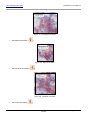
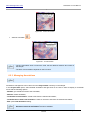
The desired shape: rectangular, elliptic, freedrawn, custom, line (only for annotations);
•
The group where the new shape will belong: choose one of the existing groups or create a new one.
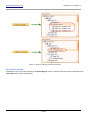
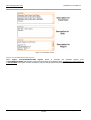
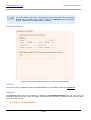
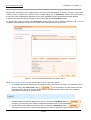
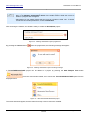
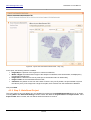
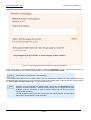
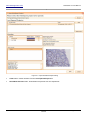
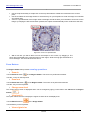
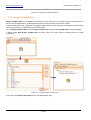
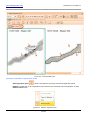
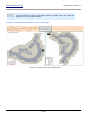
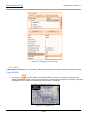
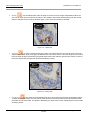
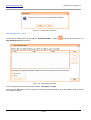
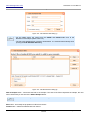
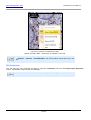
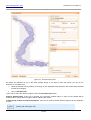
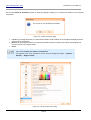
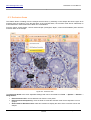
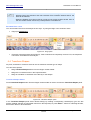
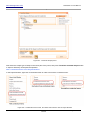
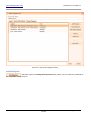
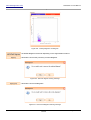
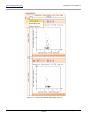
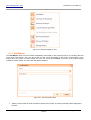
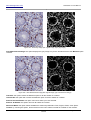
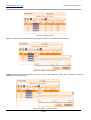
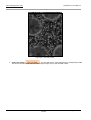
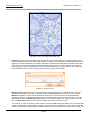
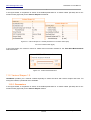
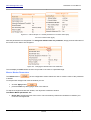
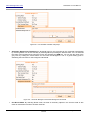
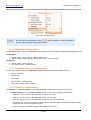
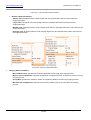
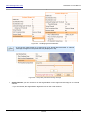
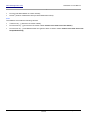
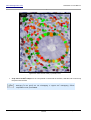
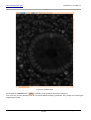
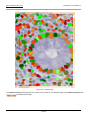
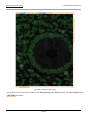
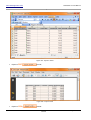
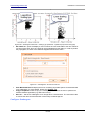
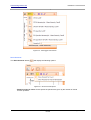
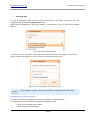
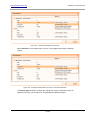
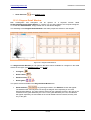
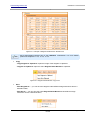
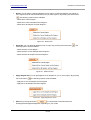
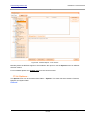
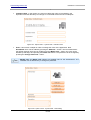
Without closing the New regions dialog, start drawing desired shapes on the sample. Close the dialog only
when you have finished drawing.
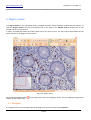
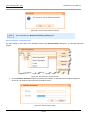
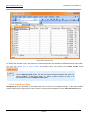
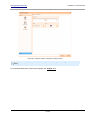
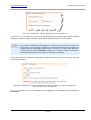
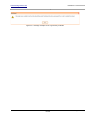
Figure 109 - Using Regions Easy Tool feature
Internal
Page 88 of 351