1
Description of Screens
Operation Screen
General
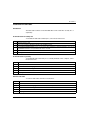
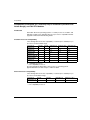
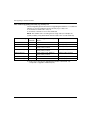
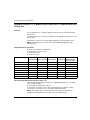
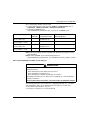
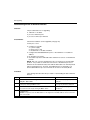
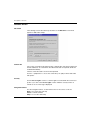
OSLoader can execute two different commands:
z
z
download a new operating system to the selected device
upload the operating system of the selected device to a file (not for Premium
processors)
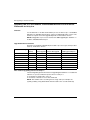
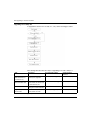
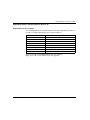
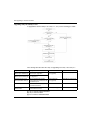
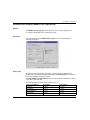
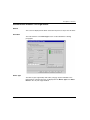
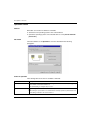
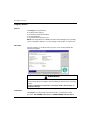
Illustration
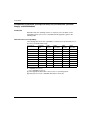
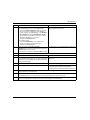
The main elements of the Operation screen are described in the following
paragraphs.
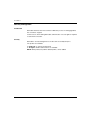
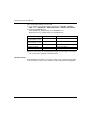
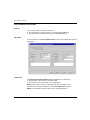
Select an Operation
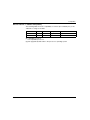
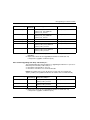
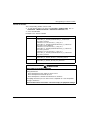
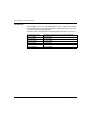
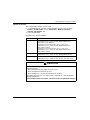
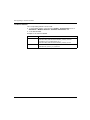
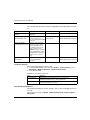
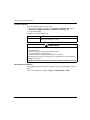
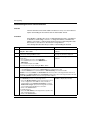
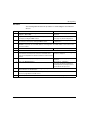
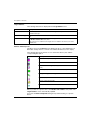
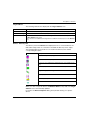
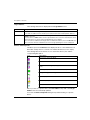
The following table shows the two available commands.
Command
Description
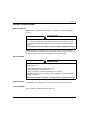
Download OS to device The new operating system replaces the existing one in the selected device (see page 57).
All information saved earlier will be lost.
After downloading, reconfigure the processor.
Upload OS from device The existing OS in the selected device is read by OSLoader and the data are stored in a
file.
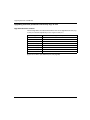
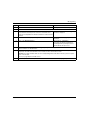
Note: This type of procedure is recommended as a backup operation, particularly before
downloading a new OS to the selected device.
88
35006156 07/2011