1
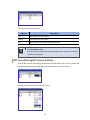
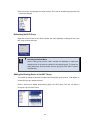
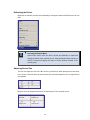
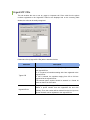
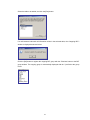
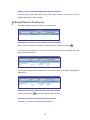
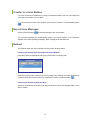
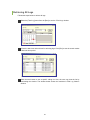
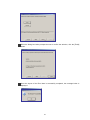
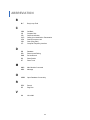
When clicking the [Find] button or [Enter] key, the window focus moves to BLF ‘201’ and ‘201’
is entered in the destination box.
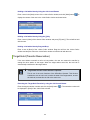
If multiple search destinations exist, use arrow keys.
Searching by Name
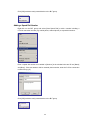
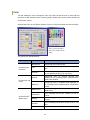
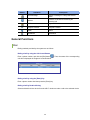
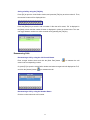
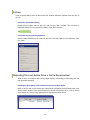
When pressing [F5] and entering characters except for 0 to 9, a name is automatically
selected and the BLF device starting with the character is searched and displayed. The
method of searching a name, ‘Suzy Beth Smith’ is described below:
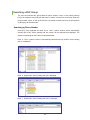
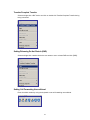
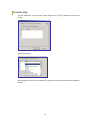
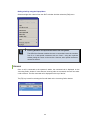
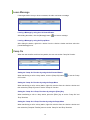
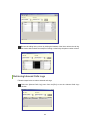
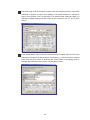
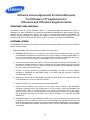
Enter ‘R’. Automatically, a name is selected and the BLF device with a name starting with ‘R’
will be displayed.
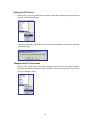
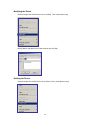
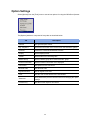
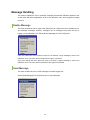
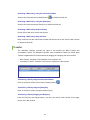
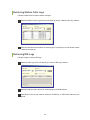
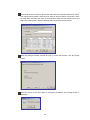
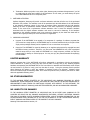
Next, ‘Ro’. The BLF device with a name starting with ‘Ro’ will be displayed.
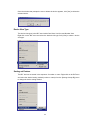
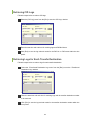
Enter ‘Rob’. The BLF device with a name starting with ‘Rob’ will be displayed.
27