1
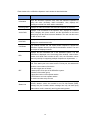
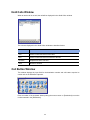
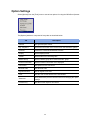
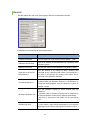
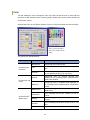
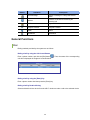
Category
Common
Parameter
Description
External
Connection
Color indicating that the BLF device is set to
‘External Connected’
Restore Initial
Color
Sets to default color.
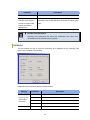
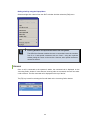
Advanced
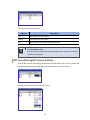
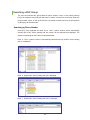
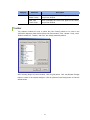
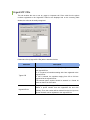
This tab enables the user to set a password that inhibits common users from changing the
current options.
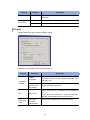
Parameters of the [Advanced] tab are described below:
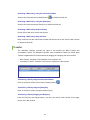
Parameter
Description
Limit Option
Setting
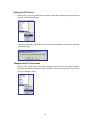
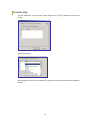
If this check box is checked, users must enter a password into a
window that appears by selecting [Options] from the [Tools] menu to
open the <Option Setting> window. The <Option Setting> window
appears only when the password matches the password entered in this
tab.
Password
Enter the password to be used for opening the <Option Setting>
window. This field is enabled only when the [Limit Option Setting] check
box is selected.
53