1
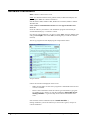
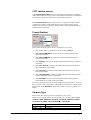
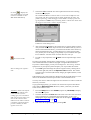
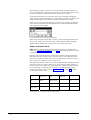
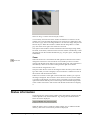
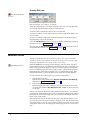
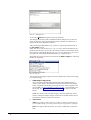
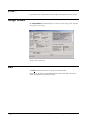
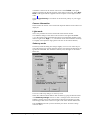
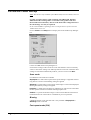
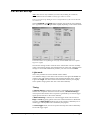
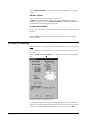
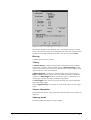
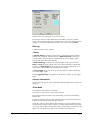
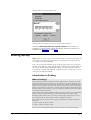
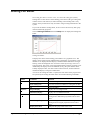
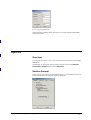
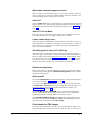
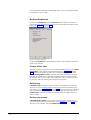
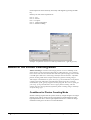
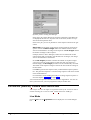
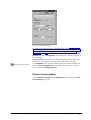
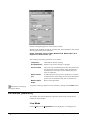
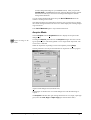
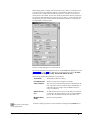
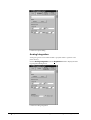
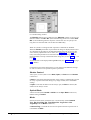
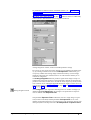
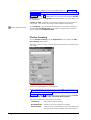
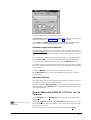
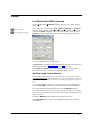
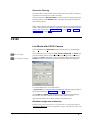
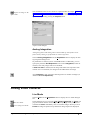
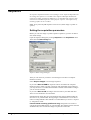
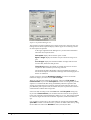
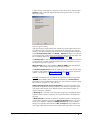
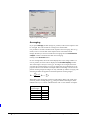
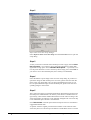
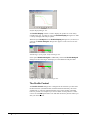
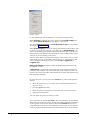
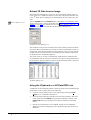
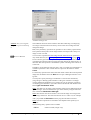
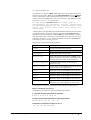
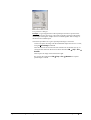
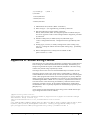
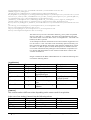
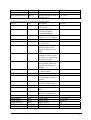
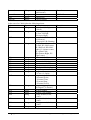
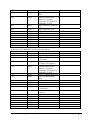
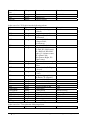
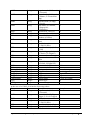
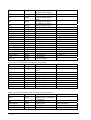
LUT parameter dialogue
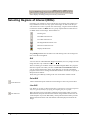
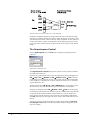
Example: A typical application of the superimpose function is present in the
field of fluorescence microscopy. One wants to display an image of the illuminated sample showing the sample structure in detail together with an image of
the fluorescence labelled parts.
The normal procedure for to get a superimposed image is as follows:
One first acquires the image with the illuminated sample and saves it to a file,
using the Save Image command.
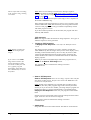
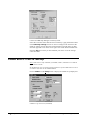
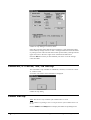
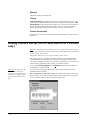
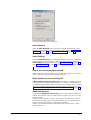
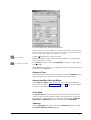
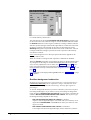
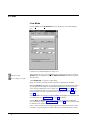
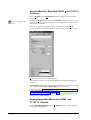
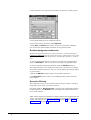
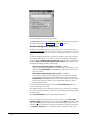
This file name has to be selected as file reference for the bottom layer by inserting the file name into the text box below the button FB → Top + File →
Bottom.
Then acquire an image of the fluorescence light.
By pressing the push-button FB → Top + File → Bottom the superimposed image is created.
High Performance Image Control System, HiPic
Processing menu • 173