1
Programming
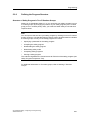
Deleting the Entire Safety Program
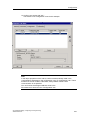
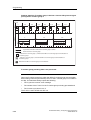
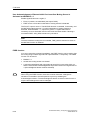
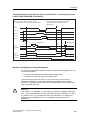
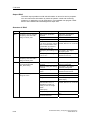
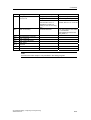
1. Delete all F-blocks highlighted in yellow offline in SIMATIC Manager.
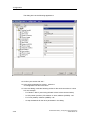
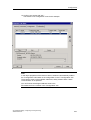
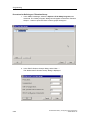
2. In HW Config, select the F-CPU and the Edit > Object Properties menu
command. Open the "Protection" tab and deactivate the "CPU Contains Safety
Program" option. Save and compile the hardware configuration.
The offline project no longer contains a safety program.
3. The following applies to F-CPUs with an inserted memory card (MMC or flash
card):
To delete a safety program on a Memory Card (MMC or flash card), insert the
Memory Card (MMC or flash card) in the programming device or PC. In
SIMATIC Manager, select the File > S7 Memory Card > Delete menu
command.
You can now copy the offline standard user program to the Memory Card (MMC
or flash card).
The following applies to F-CPUs without an inserted flash card:
You can delete the safety program by resetting the module in the SIMATIC
Manager (menu command PLC > Reset).
You can then download the offline standard user program to the F-CPU.
5-120
S7 Distributed Safety, Configuring and Programming
A5E00109537-02