1
System Logs
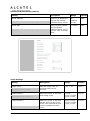
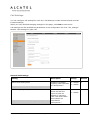
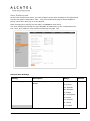
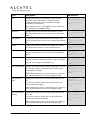
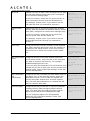
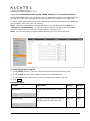
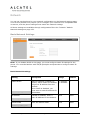
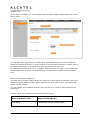
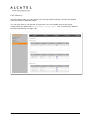
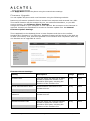
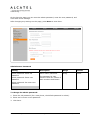
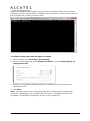
On the System Logs page, you can enter settings related to system logging activities.
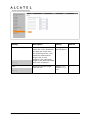
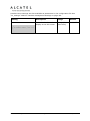
You can also generate and download network traces.
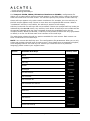
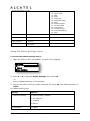
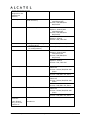
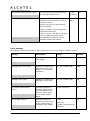
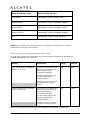
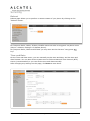
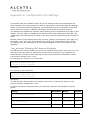
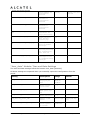
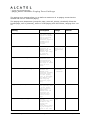
Syslog Settings
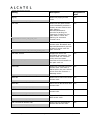
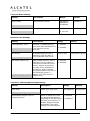
Setting
Description
Range
Default
Enable Syslog
Enable log output to syslog server.
1: Enabled
0
0: Disabled
log.syslog_enable
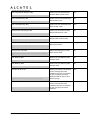
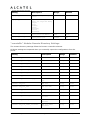
Server Address
Syslog server IP address.
IPv4
blank
Syslog server port.
0–65535
514
log.syslog_server_address
Server port
log.syslog_server_port
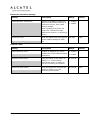
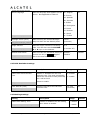
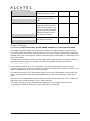
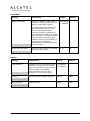
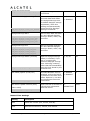
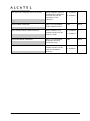
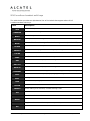
Log Level
Sets the level of logging. The higher the
level, the larger the debug output.
log.syslog_level
5:
4:
3:
2:
1:
0:
ALL
DEBUG
INFO
WARNING
ERROR
CRITICAL
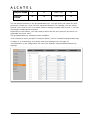
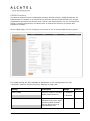
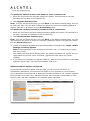
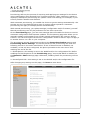
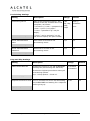
After entering the Syslog Settings, click Save.
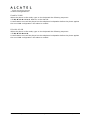
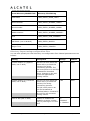
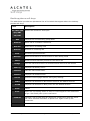
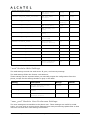
The logging levels are:
CRITICAL: Operating conditions to be reported or corrected immediately (for example, an
internal component failure or file system error).
ERROR: Non-urgent failures—unexpected conditions that won't cause the device to
malfunction.
WARNING: An indication that an error or critical condition can occur if action is not taken.
INFO: Normal operational messages.
Business IP Range Administration and Provisioning Guide
ed 1.0
137/175
2