1
Using the DVR
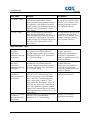
Message
Resolution
All tuners are scheduled to record programs at
this time. To record this program, you must
cancel a scheduled recording or record the
new program on a different DVR.
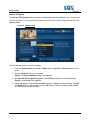
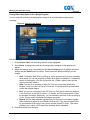
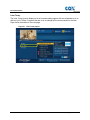
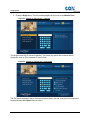
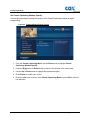
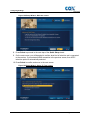
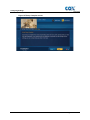
If you attempt to schedule a program at a time
when all tuners are already scheduled to
record programs, you will see this alert.
• Program 1 (by name)
• Program 2 (by name)
• ...
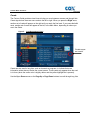
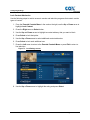
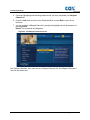
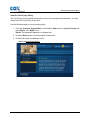
You may choose to cancel the recording of
one of the previously scheduled programs by
moving the highlight bar to the choice and
pressing Select. Press A to accept the
change.
• Program 6 (by name)
You may also elect to not record the new
program – the one that caused the conflict –
by pressing C to close the alert box.
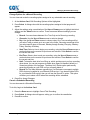
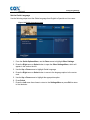
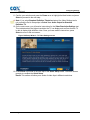
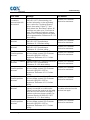
Some episodes of this series are conflicting
with your previously scheduled recordings.
We’ll do our best to record as many episodes
of this series as we can. But, to record the
maximum number of episodes, please change
the priority of this series in the Series
Manager.
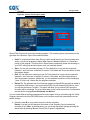
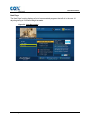
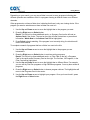
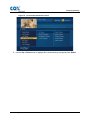
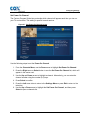
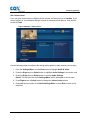
This alert appears during the scheduling
process to let you know that your new series
recording conflicts with multiple episodes of a
previously scheduled series recording.
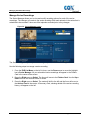
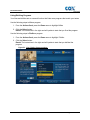
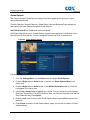
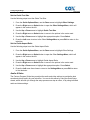
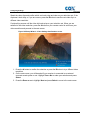
There are too many conflicts to schedule this
recording. You must cancel other recordings.
To view a list of scheduled conflicts, please
select Scheduled Recordings by going to the
DVR List.
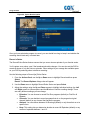
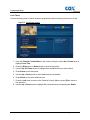
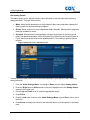
You may see this alert if there are more than
two schedule conflicts, most likely associated
with a series recording or recording from
search results.
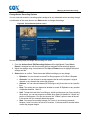
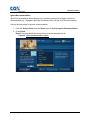
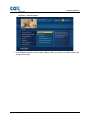
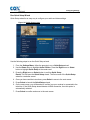
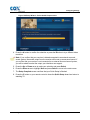
All tuners are currently in use. To change to a
different channel, you must first cancel one of
the following recordings.
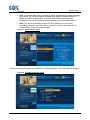
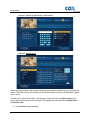
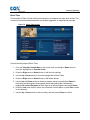
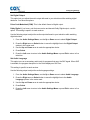
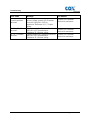
This alert occurs when you try to tune in a
program at the same time all tuners are busy
recording other programs. You will not be
allowed to change channels until you resolve
this conflict.
• Program 1 (by name)
• Program 2 (by name)
• ...
• Program 6 (by name)
Press A to acknowledge the alert. Return to
the Series Manager to change series priorities
or do nothing if you are comfortable with the
conflicts. Non-conflicting episodes of the
series will be scheduled to record.
Before you can record the series or search
results, you must first cancel the scheduled
recordings that are causing the conflicts. You
can do this from Scheduled Recordings
section under DVR List.
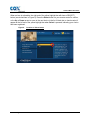
You may choose to stop one recording and
change channels by moving the highlight bar
to your choice and pressing Select.
You may also continue recording without
changing channels by pressing C to close the
alert box.
After one of your recordings finishes, you may
change channels freely.
Contour Program User Guide
43