1
DRAFT - 28 July 2014
6.5
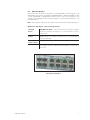
Status LED
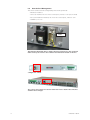
The Status LED indicates the overall health of the switch. It is normally ON solid
indicating that no internal CPU or software problems are detected. It will flash when
loading firmware and briefly on power up or reset. Otherwise, if it is OFF or flashing
for an extended period of time then a problem is detected. In this case, please
contact MTL for support.
6.6
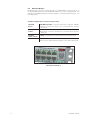
Power LEDs
There are two Power LEDs (labeled P1 for primary power and P2 for backup power)
that indicate if there is power applied to the respective input.
6.7
”OK” Alarm LED
The “OK” LED indicates the status of the alarm relay output. This LED will be
normally ON when there is no alarm or error condition (such as loss of a power
input). Otherwise, when there is an alarm then it will be OFF.
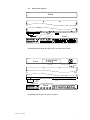
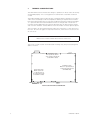
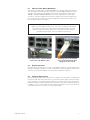
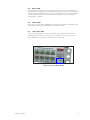
Status, Power and Alarm Group
IINM9226 1 280714
19