1
Palm-Tech Inspector
Detailed Operating Instructions
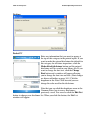
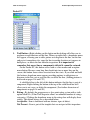
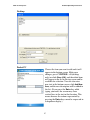
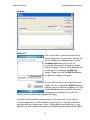
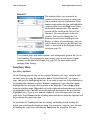
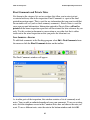
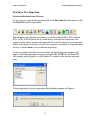
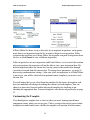
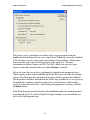
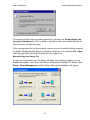
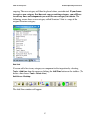
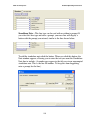
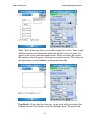
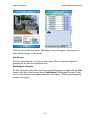
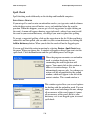
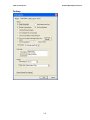
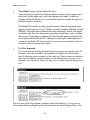
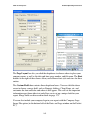
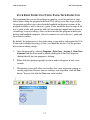
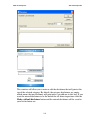
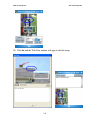
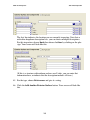
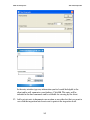
This allows you to synchronize your library files, copy inspections from the
handheld to the desktop and vice versa, copy Picture Album files from the handheld
to the desktop, copy any orders from your desktop to the handheld, and determine
how many days you want to hold inspections in the work area. (For more
information on Picture Album, call 888-736-2462.) Make sure you have your
devices connected correctly before you click Continue to proceed.
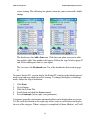
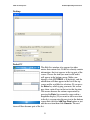
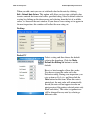
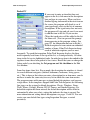
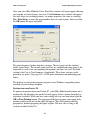
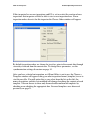
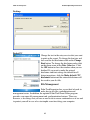
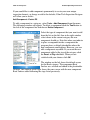
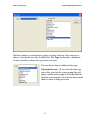
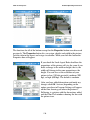
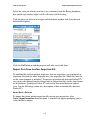
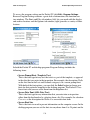
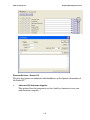
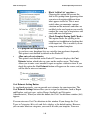
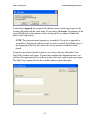
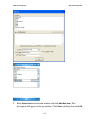
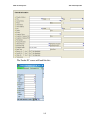
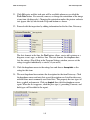
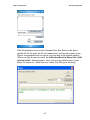
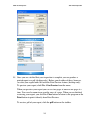
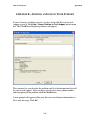
Select the items that you wish to synchronize by checking the appropriate boxes.
When copying orders to the handheld from Front Office you can adjust the number
of days ahead and after the current date that orders will be copied to the handheld.
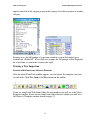
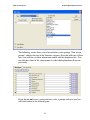
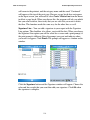
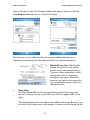
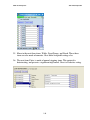
Old inspections should be deleted from the Work Area periodically to save space on
the handheld, to minimize the time required for synchronization, and to make it
easier to work with current files. After making the appropriate selections, click the
Continue button.
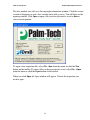
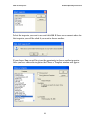
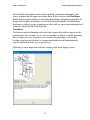
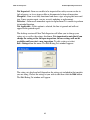
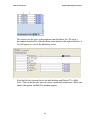
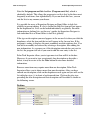
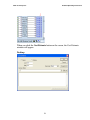
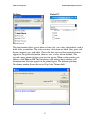
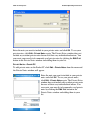
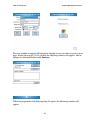
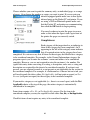
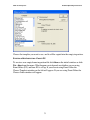
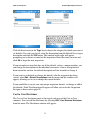
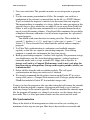
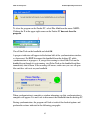
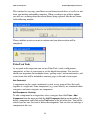
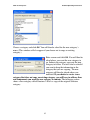
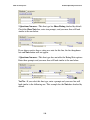
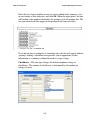
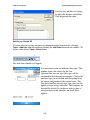
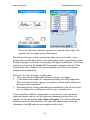
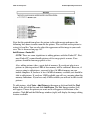
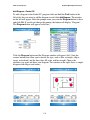
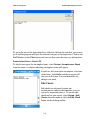
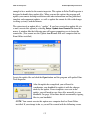
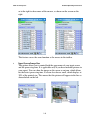
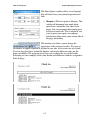
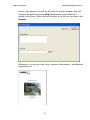
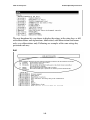
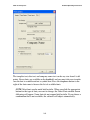
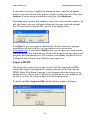
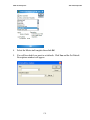
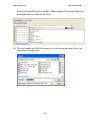
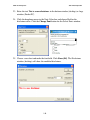
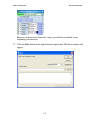
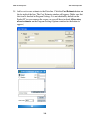
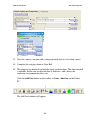
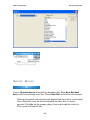
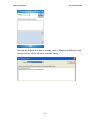
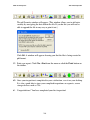
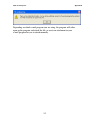
Palm-Tech Inspector must be closed on the handheld in order for synchronization to
be conducted safely. If you have Palm-Tech open (running) on your handheld you
will see the following message.
84