1
Palm-Tech Inspector
Detailed Operating Instructions
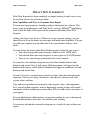
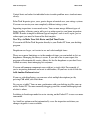
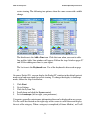
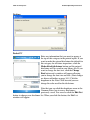
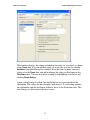
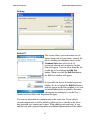
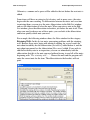
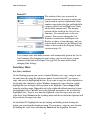
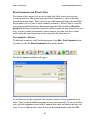
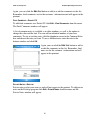
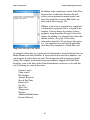
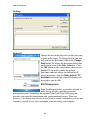
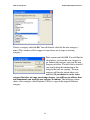
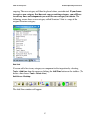
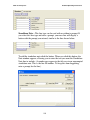
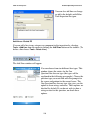
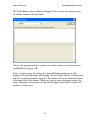
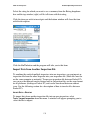
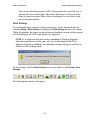
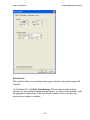
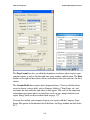
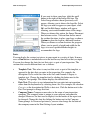
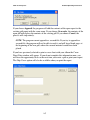
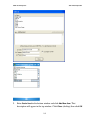
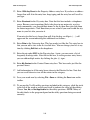
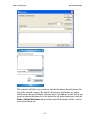
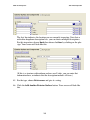
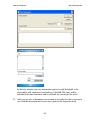
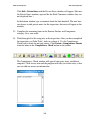
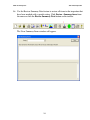
Highlight the categories that you would like to move from the imported inspection
into your current inspection and click the right arrow. When all of the correct
categories are in the right window, click OK. The information from the imported
inspection will overwrite all information for the same categories in the current
inspection. Therefore you should coordinate the completion of the inspection so that
individual inspectors are responsible for unique categories.
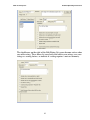
You can also import the private notes and final comments that were included with
the inspection being transferred.
IMPORT DATA—POCKET PC
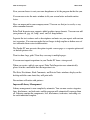
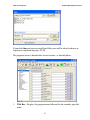
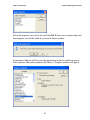
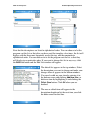
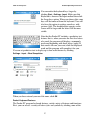
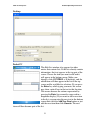
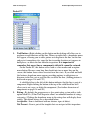
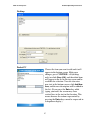
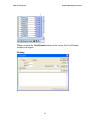
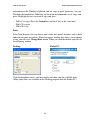
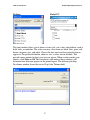
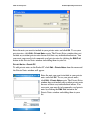
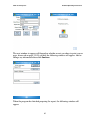
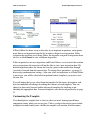
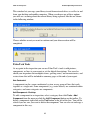
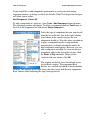
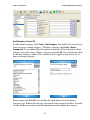
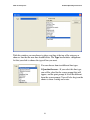
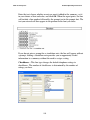
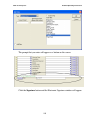
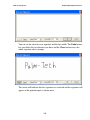
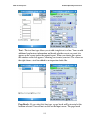
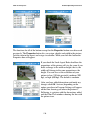
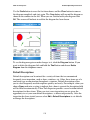
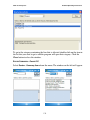
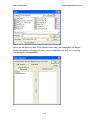
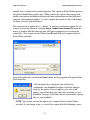
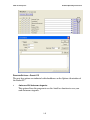
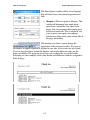
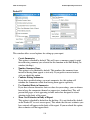
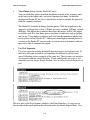
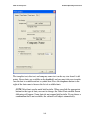
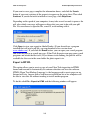
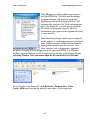
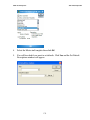
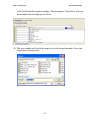
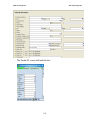
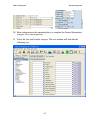
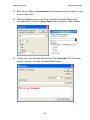
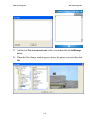
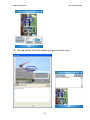
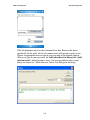
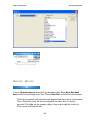
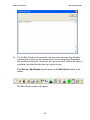
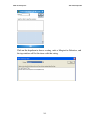
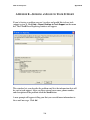
To import data from another inspection file into an open inspection, select
Tools→Import Inspection from the menu. If the libraries and ratings are compatible
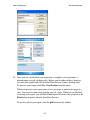
the Select an Inspection window (left) will appear, prompting you to select the file to
import. If they are not compatible you will see a warning about the incompatibility.
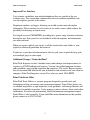
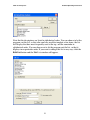
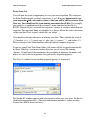
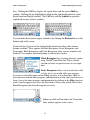
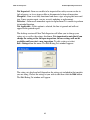
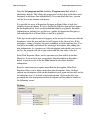
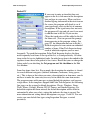
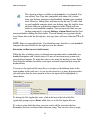
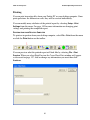
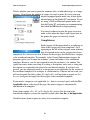
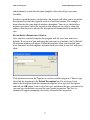
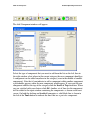
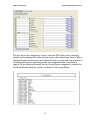
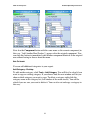
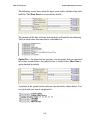
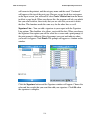
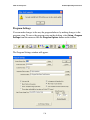
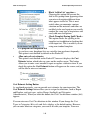
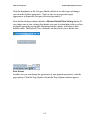
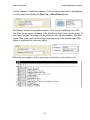
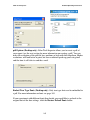
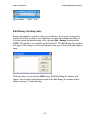
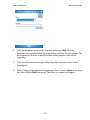
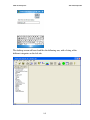
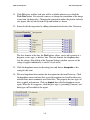
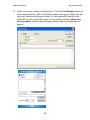
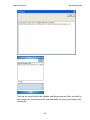
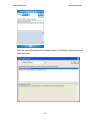
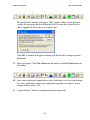
Select the file that you want and click OK. The Import Categories window (right)
will appear.
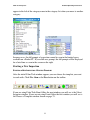
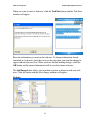
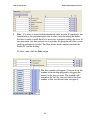
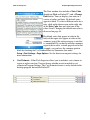
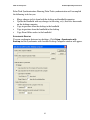
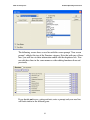
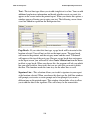
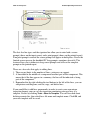
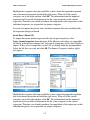
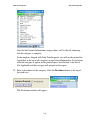
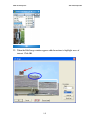
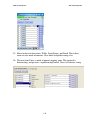
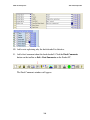
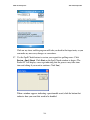
Highlight the categories that you would like to move from the imported inspection
into your current inspection and click the right arrow. When all of the correct
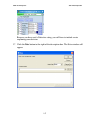
categories are in the right window, click OK. The information from the imported
inspection will overwrite all information for the same categories in the current
inspection. Therefore you should coordinate the completion of the inspection so that
individual inspectors are responsible for unique categories.
135