1
Palm-Tech Inspector
Detailed Operating Instructions
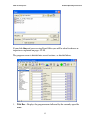
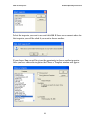
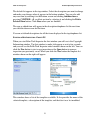
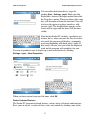
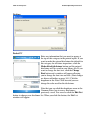
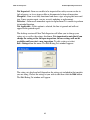
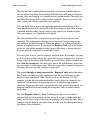
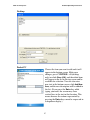
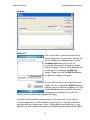
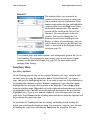
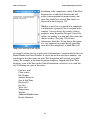
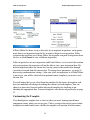
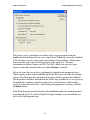
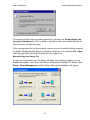
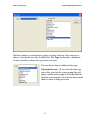
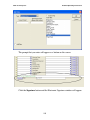
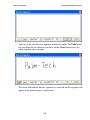
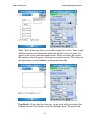
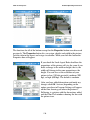
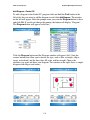
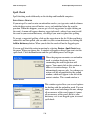
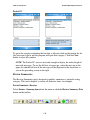
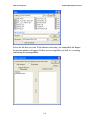
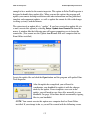
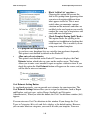
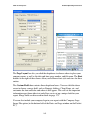
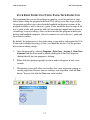
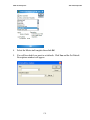
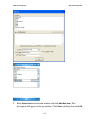
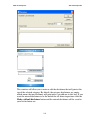
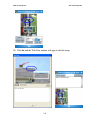
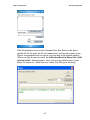
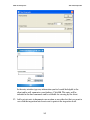
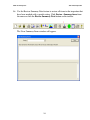
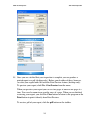
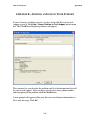
Choose a category and click OK. You will then be asked for the new category’s
name. (This window will also appear if you choose not to copy an existing
category.)
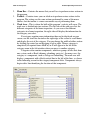
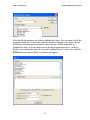
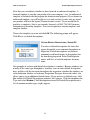
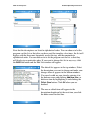
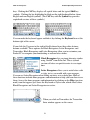
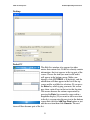
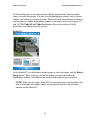
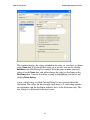
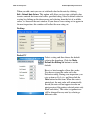
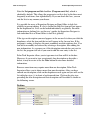
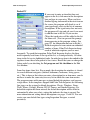
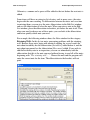
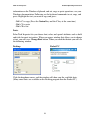
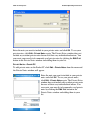
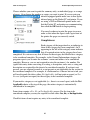
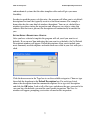
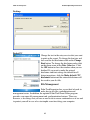
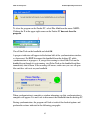
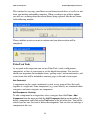
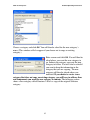
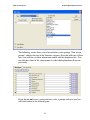
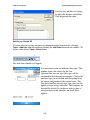
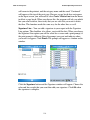
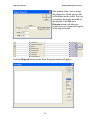
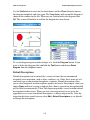
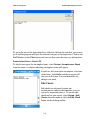
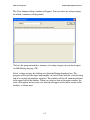
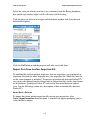
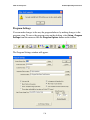
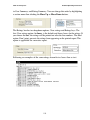
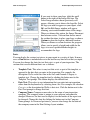
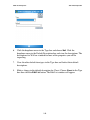
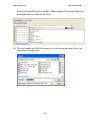
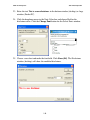
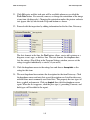
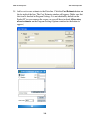
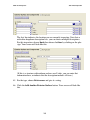
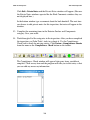
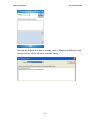
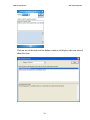
Enter a name and click OK. You will then be
asked where you want the new category to
go. Indicate the category you want the new
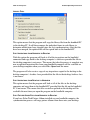
category to follow. You will also be asked if
you want to keep the information in the
category that you are copying. The new
category will then be placed where you
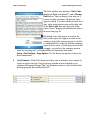
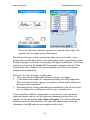
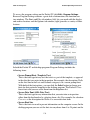
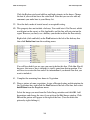
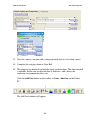
indicated. If you choose to create a new
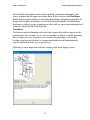
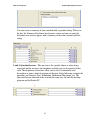
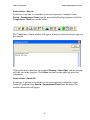
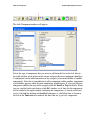
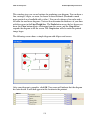
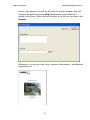
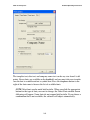
category that does not copy an existing category, you will have to add any lines
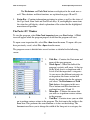
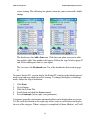
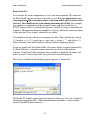
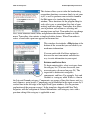
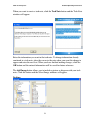
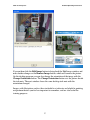
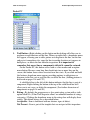
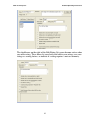
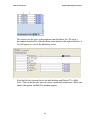
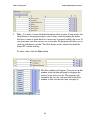
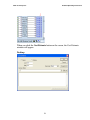
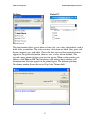
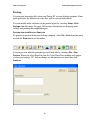
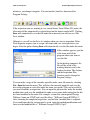
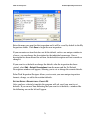
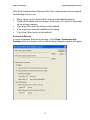
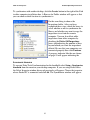
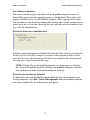
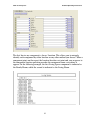
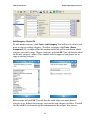
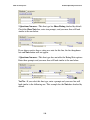
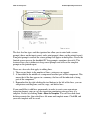
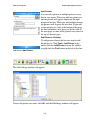
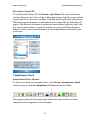
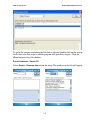
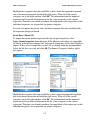
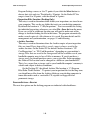
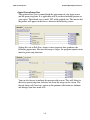
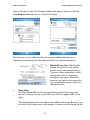
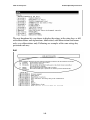
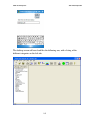
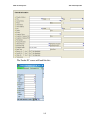
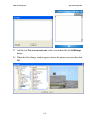
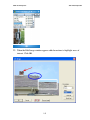
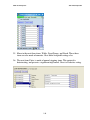
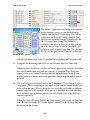
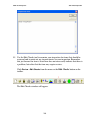
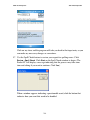
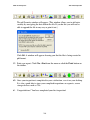
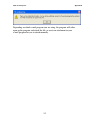
and components you want the new category to contain. The following screen
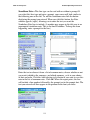
shows a new category called Structure 2 that is a copy of the original Structure
category.
95