1
WINDOWS – Printing Operations
3.
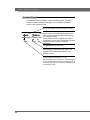
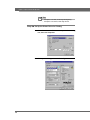
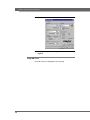
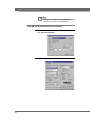
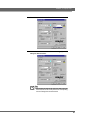
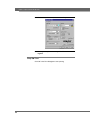
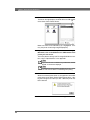
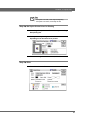
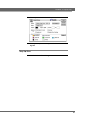
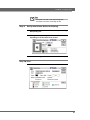
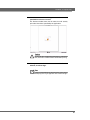
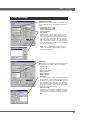
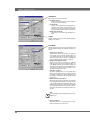
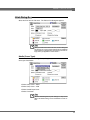
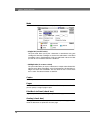
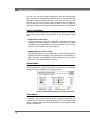
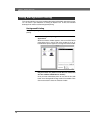
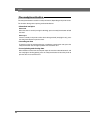
Select Multiple Ink from the Print Mode menu.
4.
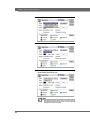
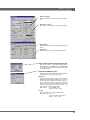
Check the check boxes under Select Cartridge(s) to indicate your desired colors.
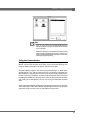
Note
Even though you have set the color of an area to your desired color, the area will not be printed if the corresponding
color foil cartridge has not been checked.
43