1
Chapter 1 – Major Functions and Operations
2.
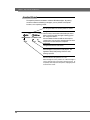
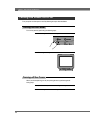
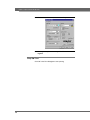
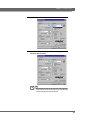
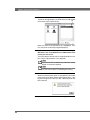
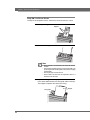
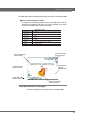
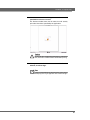
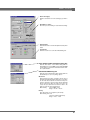
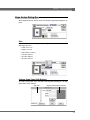
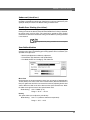
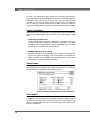
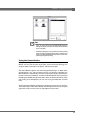
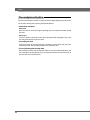
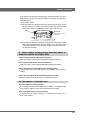
Click on the PPI Foilfast Printer printer driver icon.
The box on the right displays the SCSI device or USB number
(A)
of the Powis Parker Foilfast Printer.
Make sure that the line indicated by (A) is highlighted. If it is
not, your printer is not being recognized properly.
3.
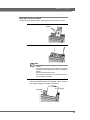
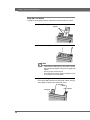
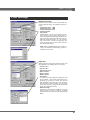
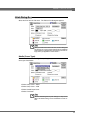
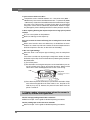
If you have several Foilfast printers connected to your
Macintosh, click on the SCSI device or USB number of the
printer you wish to use.
The factory device setting is #6. To change SCSI device numbers, refer to “Specifications” in the Appendix.
Note
If you have more than one SCSI bus in your Macintosh, “SCSI #6
BUS #1” or similar will be displayed.
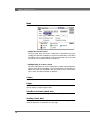
Note
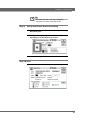
Immediately following installation, background printing is turned
off. Click on the On button to enable background printing.
48
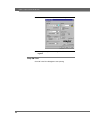
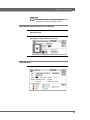
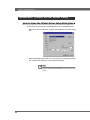
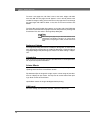
4.
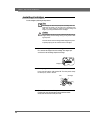
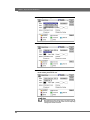
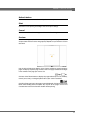
Click on the close box to close the Chooser.
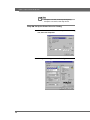
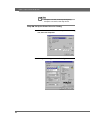
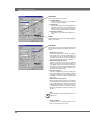
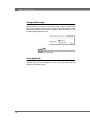
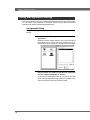
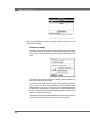
When the selected printer driver is changed from some other
printer driver to the Powis Parker Foilfast printer driver, a dialog box will appear to inform you that a different printer has
been selected.
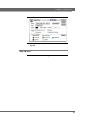
5.
Click on the OK button to close the dialog box.