1
Chapter 1 - Major Functions and Operations
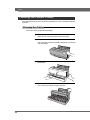
Exchanging Cartridges
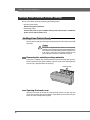
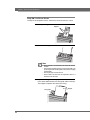
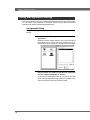
You can change or replace empty cartridges by following the steps below.
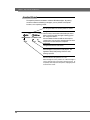
Note
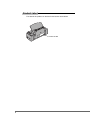
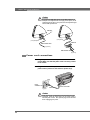
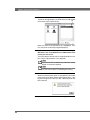
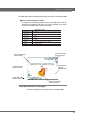
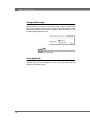
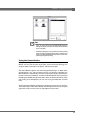
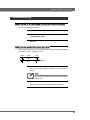
When a cartridge has been used up, black and silver stripes will
be visible on the foil.
black and silver stripes
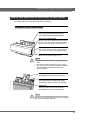
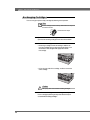
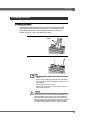
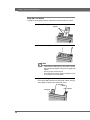
1.
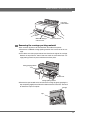
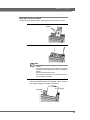
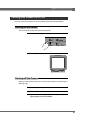
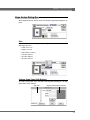
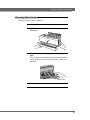
Open the front cover of the printer.
Open the front cover by pushing the front cover release button.
2.
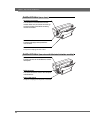
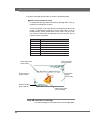
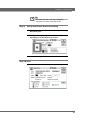
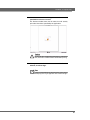
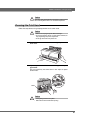
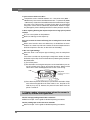
Remove the cartridge
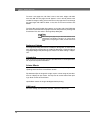
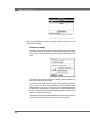
• Removing a cartridge is similar to installing it. Hold the center of the cartridge with your thumb and index finger. Push
the left latch on the cartridge holder slightly to the left with
the cartridge.
• Lift up the right side of the cartridge, and then remove the
entire cartridge.
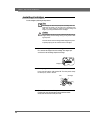
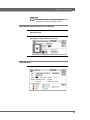
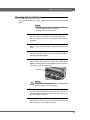
Caution
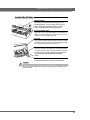
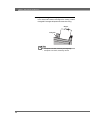
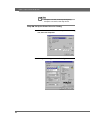
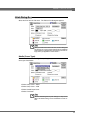
Take up any slack in the foil before installing cartridges.
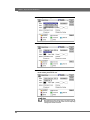
3.
Install a new cartridge on the cartridge holder plate.
Insert a cartridge by following the steps described in the previous section titled “Installing Cartridges.”
28