1
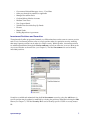
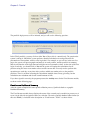
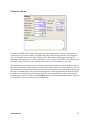
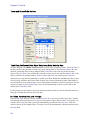
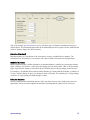
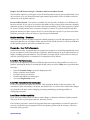
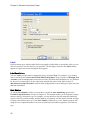
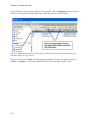
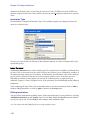
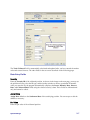
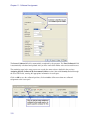
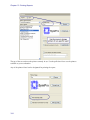
In this specific case, we have requested the report as of 3/12/07 and indicated a primary sort of
Investment Class and a secondary sort of Maturity Date. The report prompt screens appear whenever
you request a report from the Report menu, allowing you to select options such as the time period or
sorting criteria for the current report request.
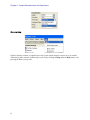
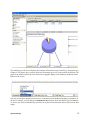
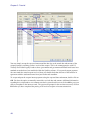
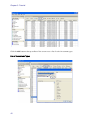
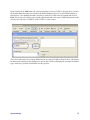
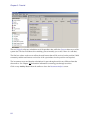
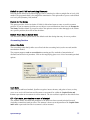
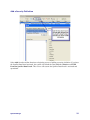
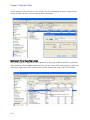
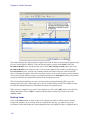
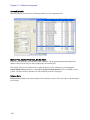
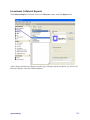
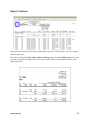
After you enter your preferences and click on OK, the report is processed to the screen or the printer
as per your earlier selection. If your select Preview, you will be presented with the report on the
screen as shown below.
System Manager
161