1
Registration
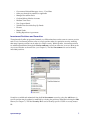
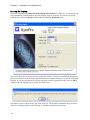
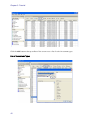
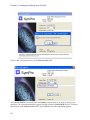
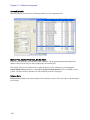
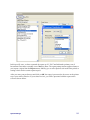
The program automatically opens to the Activity menu in the Fixed Income module. Select
Registration under Utility, Setup to register your software.
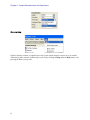
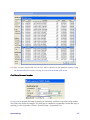
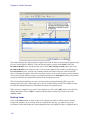
Registration Screen
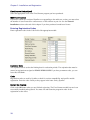
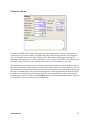
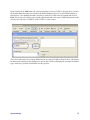
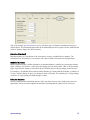
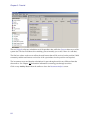
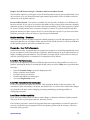
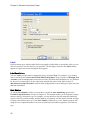
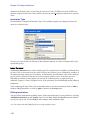
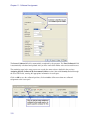
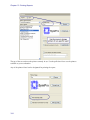
SymPro provides a Registration screen to enter the registration code of each module that you have
installed. The registration process integrates the module into the complete SymPro Portfolio
Management program. The registration code(s) are printed in a letter included with your software.
You can also obtain them by contacting SymPro Client Services.
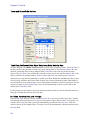
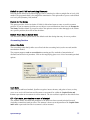
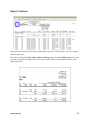
The screen initially displays the registered company name of EVALUATION COPY. If you have
received permanent registration codes, enter your organization's name, address, phone, and zip code
exactly as it appears on the registration letter from SymPro.
Permanent registration codes are distributed by SymPro upon completion of the terms of sale and
receipt of the signed license agreement. Until such time, temporary EVAL codes allow access to the
software for a limited time. All data entry completed during the EVAL period is maintained when
permanent registration codes are entered. Most installations are initially registered with
EVALUATION COPY as the company name.
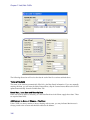
Serial Number
The temporary serial number used with EVALUATION COPY is always zero (0). Your permanent
serial number is supplied when the permanent registration codes are generated.
System Manager
19