1
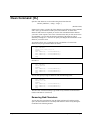
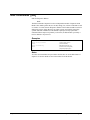
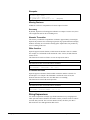
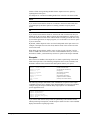
Listing One Field per Line
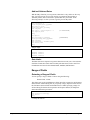
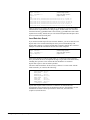
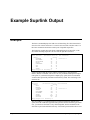
Suprtool normally attempts to list more than one field on every line of list output.
The Oneperline keyword causes every field to be shown on a different line.
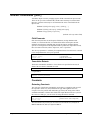
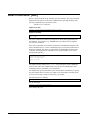
Listing without Field Names (Noname)
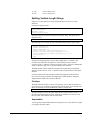
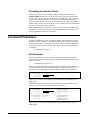
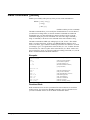
When Suprtool knows the record structure of the output file, it shows the name of
each output field. The Noname keyword causes the field names to be suppressed.
By only extracting a few fields, it is possible to fit the listed output for each record
on one line.
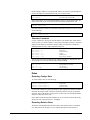
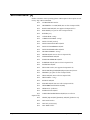
Suppressing Blank Lines Between Records
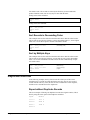
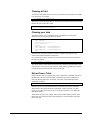
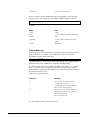
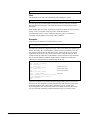
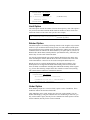
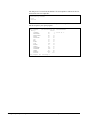
By default, Suprtool prints a blank line between each record. The Noskip keyword
removes this blank line. If you combine the Noskip, Norec, Noname, and Title
options when extracting a few fields, Suprtool can produce a simple report.
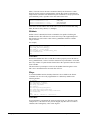
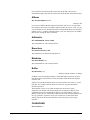
Numeric Justification (Leftjustnum and Rightjustnum)
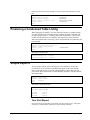
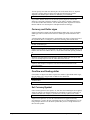
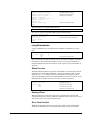
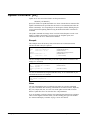
The List command normally left justifies all numeric fields. Specifying List Standard
causes all numeric fields to be right-justified, unless you override the default with the
Leftjustnum keyword.
Use the Leftjustnum or Rightjustnum keyword to specify the alignment of the
numbers. The two keywords are mutually exclusive. The last one that appears on the
command line is the one that is applied.
LaserJet Listings
There are two methods to select different printing options for a LaserJet and other
PCL-compatible printers. You can permanently set the PCL option for all listings by
using Set List PCL, or you can use the List command to select the PCL option for
just one task. PCL stands for Printer Command Language, which is an HP standard
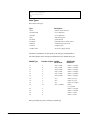
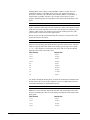
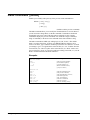
for printers. The following is a summary of the PCL values:
PCL
Font
Orientation
Dimensions
1
Lineprinter
landscape
175 cols/60 lines
2
Courier
landscape
100 cols/45 lines
3
Courier "standard"
portrait
80 cols/60 lines
4
Lineprinter
portrait
132 cols/80 lines
5
Courier A4 "tight"
portrait
80 cols/60 lines
6
Lineprinter legal
landscape
223 cols/60 lines
See the Set command for a complete description of the PCL options. By default,
Suprtool assumes that the List output device is not PCL-compatible (List PCL 0).
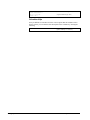
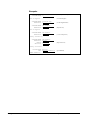
If you use the List command to your terminal with a global Set List PCL value other
than zero, your terminal screen may be cleared. To avoid this situation, you can
explicitly specify the PCL setting along with the device:
Suprtool 5.0 for HP-UX
Suprtool Commands • 171