1
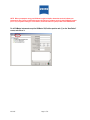
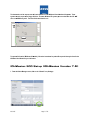
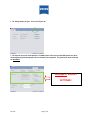
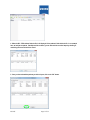
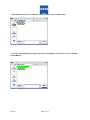
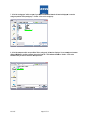
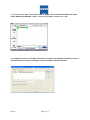
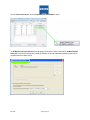
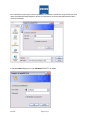
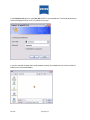
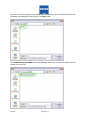
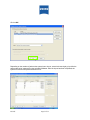
 4. When the HIC – PRO software finds the file, it will display all of the patients it finds within the file. In our example
here, we had just one patient. If multiple records are found, you can select which records to import by checking or
unchecking the box to the left of the record:
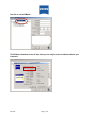
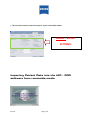
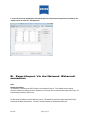
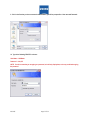
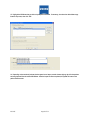
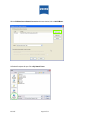
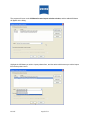
5. Once you have selected the patients you wish to import, click on the “OK” button:
IOL.3435
Page 11 of 32