1
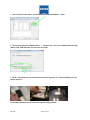
 firewalls conforming to the latest technical standards! A standard patch network cable, Cat 5, with two RJ-45
connectors should be used to connect the IOLMaster with the network. A network isolator must be placed between
IOLMaster (NET) and network cable.
A network isolator (part number 000000-0448-931) can be ordered from Carl Zeiss for connection to the external
network (NET). Attention should be paid to the specific safety regulations
(EN 60601-1-1 / IEC 60601-1 (see IOLMaster Instruction Manual).
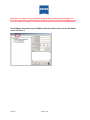
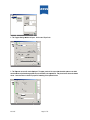
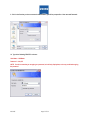
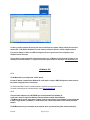
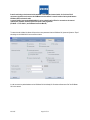
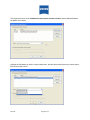
To ensure that the Holladay II software will import the correct parameters from the IOLMaster 500, please verify that the “Export”
tab settings on the IOLMaster 500 are set as shown below:
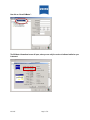
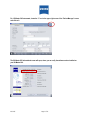
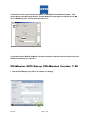
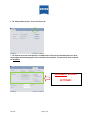
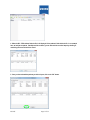
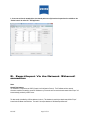
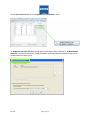
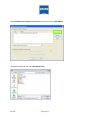
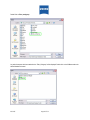
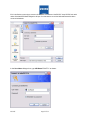
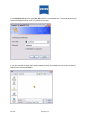
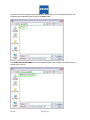
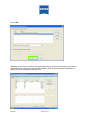
In order to access the patient database on the IOLMaster 500 the Holladay IOL Consultant software must “find” the IOLMaster
500 on the network.
IOL.3435
Page 22 of 32