1
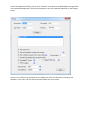
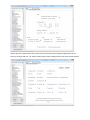
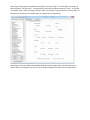
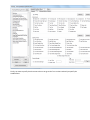
Sample Filters
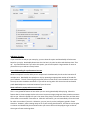
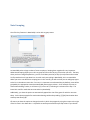
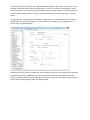
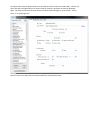
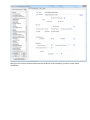
This feature is more powerful than it first appears. With this, you can take notes based on things
happening too often or not often enough. You can ensure that outliers do not clutter your valuable
reads.
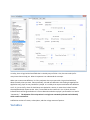
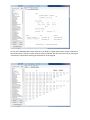
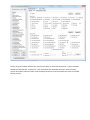
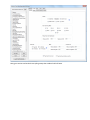
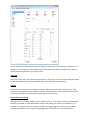
Minimum Occurrences
This is simply the amount of times a definition has to have been taken before it will show up in
someone’s notes. If you have regular players in your database with thousands of hands, you may not be
interested in a particular behavior that only occurred once.
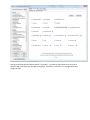
Minimum Player Hand Sample
Closely related to minimum occurrences, this is the amount of hands a player has to have in their
database in order for the minimum occurrences to take effect. For example, you may wish to have any
note taken for a player with whom you’ve never played, but for the regular you know well you want
more specific information. So if you set this to 1000 or more hands, then anyone with less hands than
that is exempted from the minimum occurrences rule.
Warning: Setting minimum occurrences requires NoteCaddy to pull a player’s stats from the database
which will cause a noticeable slowdown in processing time.
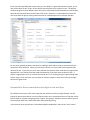
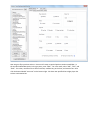
Minimum Success Percent
You may wish to not show a note if the ratio of instances to opportunities is below a certain value. Here
you specify a percentage (0-100) as a minimum.
Grouping
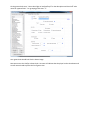
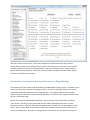
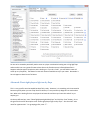
As discussed in the grouping section, this is a way to keep notes organized. By default, NoteCaddy will
attempt to auto detect which grouping prefix a definition should get. However, the algorithm for
detecting this is not perfect so when writing definitions, it is prudent to specify the correct value for
yourself (PF, F, T, R).
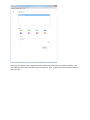
Additionally, you may wish to define your own classifications and this is the place to do so. For example,
if you’d like to group notes that involve a 3 bet, you could set this to 3B and that section would then
appear in the groupings screen and you could specify an order for it.