1
Filters
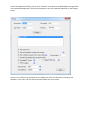
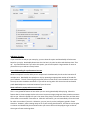
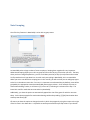
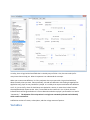
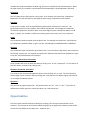
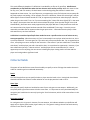
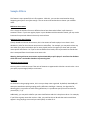
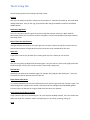
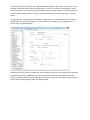
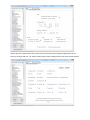
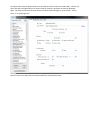
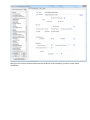
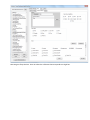
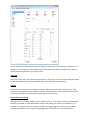
By default, NoteCaddy is set to not use filters. What this means is that all hands will be selected and
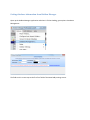
processed. You can eliminate hands using the criteria on this screen. To get to the filters screen, click
File->Filters in the NoteCaddy main screen. On the very top of this screen, you will see the two radio
buttons that determine whether you’ll be filtering or not.
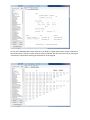
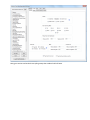
Date Range
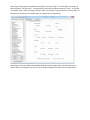
Here you can set the minimum and maximum date you would like to use. This is useful for excluding old
hands from being considered.
VIP List
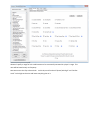
If you’d like to only take notes or perform color coding on a select group of players, enter their names in
the VIP List box and all other players will be ignored for both note taking and color coding.
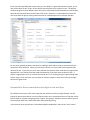
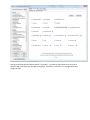
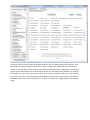
Sites
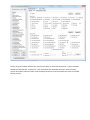
If there is a site in your database on which you no longer play, you may wish to exclude it by unselecting
it in the sites list.
Sample Range
Valid for color coding only, with sample range, you can make sure that players with few hands are not
given false colors or that players with too many hands are also not color coded.
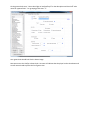
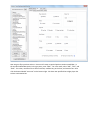
Game Types
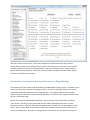
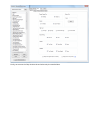
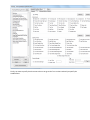
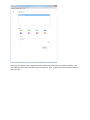
Here you can specify if you want cash games and/or tournaments to be considered for notes and color
coding. For color coding, if you have a game type unselected, the statistics will not reflect hands played
at these levels.
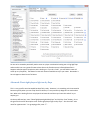
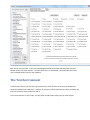
The stakes are shown in terms of big blinds and they ignore currency so a value like “0.50 BB” is
referring to .25/.50 dollars, euros, GBP, etc.