1
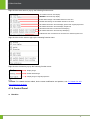
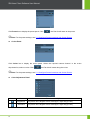
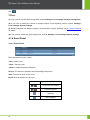
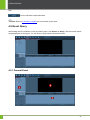
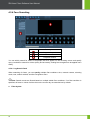
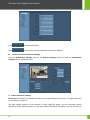
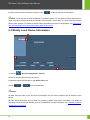
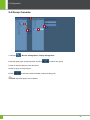
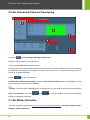
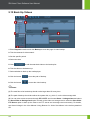
4 User Interface disk. : Click to refresh the disk information. Note: Refer to 5.13 Back Up Videos for how to back up the video. 4.5 Event Query After setting search conditions on the log search panel, click Search or Query, and the search results will be displayed on the log list. You can query or play back the associated video. 4.5.1 General Event 33