Download Note - ZKTeco

Transcript
ZKiVision Client Software User Manual
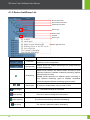
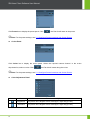
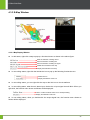
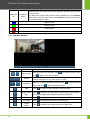
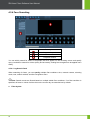
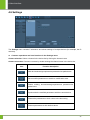
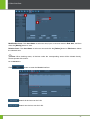
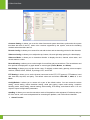
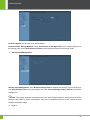
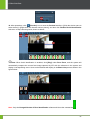
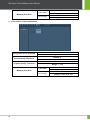
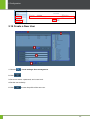
4.1.3 Device List/Group List
Primary area name
Second-level area name
Third-level area name
Device type
Device name
Channel
Device type
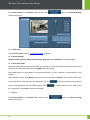
Area right-click menu
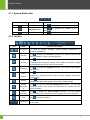
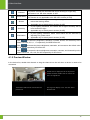
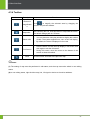
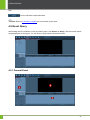
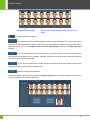
Icon
/
10
Name
Function description
List mode
Display area, device, and channel according to the list
hierarchy of user configuration.
Group mode
Display group and channel according to the group hierarchy
of user configuration.
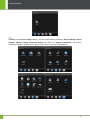
Area/Group
Area: Divide cameras into different areas according to their
different locations to facilitate centralized monitoring against
different areas for users.
Group: Divide cameras into different groups according to
their different monitoring types to facilitate centralized
monitoring against different monitoring types for users.
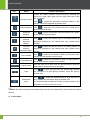
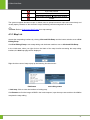
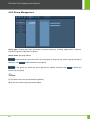
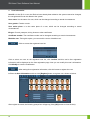
Device type
IP camera / NVR(network video recorder) / MTS
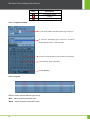
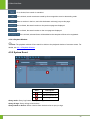
(Blue triangle)
The camera channel is connected.
(Red square)
There is an alarm message from the camera.
(Green square)
The camera is performing scheduled videotaping.
(Red circle)
The camera is performing alarm videotaping.