1
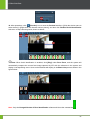
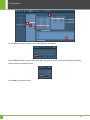
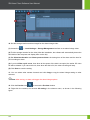
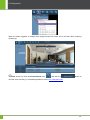
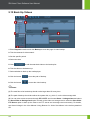
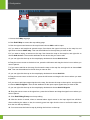
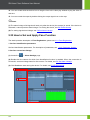
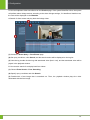
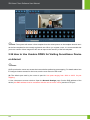
ZKiVision Client Software User Manual 14. You can double-click the device icon or drag the icon to the video play window to play the video in real time. 15. You can control the output by double-clicking the output signal icon on the map. Notes: (1) The alarm linkage of all signals will work only after the device (the camera) is armed. If the device is disarmed, it cannot produce alarm linkage. For arming the device, see 5.8 Enable Arming. (2) For setting signal alarm linkage, see 5.9 Set Alarm Linkage. 5.23 How to Set and Apply Face Function The detail operation description of Face Registration, please see 4.8.1 Face Registration. 1. Set face identification parameters. Set face identification parameters. For description of parameters, see _4.9.3_Parameter_Setting. 2. Set face event alarm linkage. (1) Access the > Alarm Settings page. (2) Double-click the camera for which face identification function is enabled. When the connection is successful, set alarm linkage items for face events. For details, see 5.9 Set Alarm Linkage. (3) Click Preview to start arming the device. For details, see 5.8 Enable Arming. 120