1
USER’S MANUAL
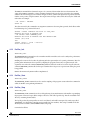
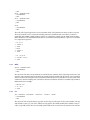
• * integer and floating point multiplication
• / integer and floating point division
• % integer remainder
• & bitwise AND
• I
bitwise OR
• ^ bitwise XOR
• ~ bitwise NOT (this is a unary operator)
• !
logical NOT (this is a unary operator)
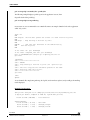
Examples of the use of these operators in the context of expressions are given below:
23+44.0
1002*3
24/(34+2)
(23-22)*(400.0+0.1)
Where a floating point value is included inan expression, the whole resultant value becomes a floating point
value, otherwise integer evaluation is assumed.
Note that there is no facility to include function calls inside an expression - this is precluded by both syntax and
convertion since the language is purely procedural.
3.3.3
Numeric Symbols
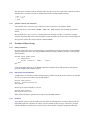
In place of any constant number or expression a symbol can be used. Symbols can contain constant or variable
numeric values and can be used freely within the language. Constant symbols are established by the programmer
and predeclared within the interpreter - this is used for command constants such as TRUE, FALSE and PI.
Symbol variables can be predeclared or freely created and deleted by the interactive user. A symbol is declared
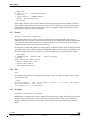
using the assignment statement as shown here:
APPLES = 23
ORANGES = 0.1
The variable symbols are declared and are set to the initial values given using this C style syntax. Thereafter the
symbol can be used by referencing either its full or abbreviated name.
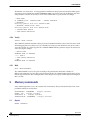
APPLES/34.2
ORANGES+ APPLES-1
(OR*APP)-22
Symbols can be used eiher as variables are used in programming languages or simply as a meaningful name for a
commonly used numeric parameter value. In this way context specific constants, for instance, can be abbreviated
or made symbolic (e.g. the value for a particular bit patter in a register). The rules for choosing symbol names are
typical of many programming languages - no leading numeric characters are allowed, only alphanumeric digits
and underscore characters can be used within names and only 32 characters in any name are significant.
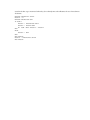
The current know symbols and their values can be displayed using the utility “show” command.
Caution : if symbols B, O, and H are created by the user and set to a positive value, the expression B+O+H is
interpreted as b0+o0+h0 = 0+0+0 = 0 !
TST 4/24
STMicroelectronics Confidential
Version 1.7
03 November 2006