1
pug.book Page 70 Thursday, May 6, 1999 10:46 AM
Using SNiFF+ in the pRISM+ Environment
pRISM+ User’s Guide
Refer to the SNiFF+ User’s Guide for information about how to change the
default new file template used by the SNiFF+ Source Editor when you start a
new file.
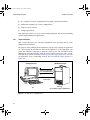
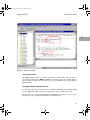
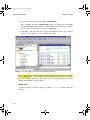
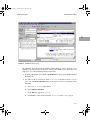
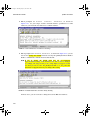
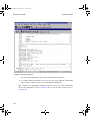
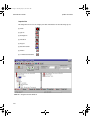
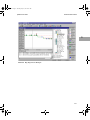
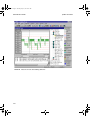
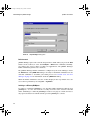
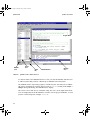
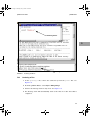
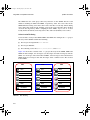
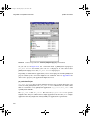
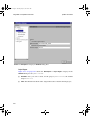
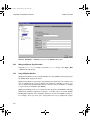
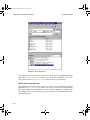
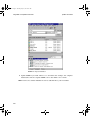
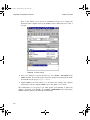
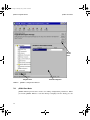
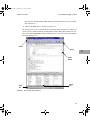
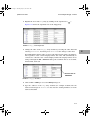
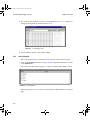
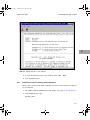
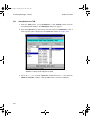
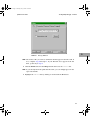
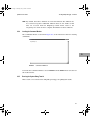
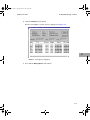
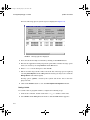
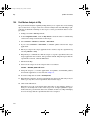
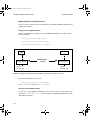
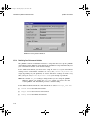
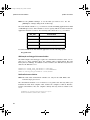
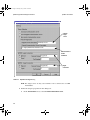
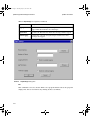
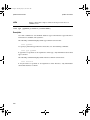
FIGURE 6-26 New File Added
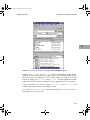
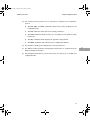
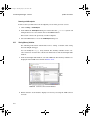
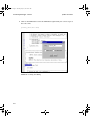
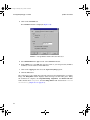
4. Save your changes to project structure by select Project → Save Project in the
SNiFF+ window. Preserve the project structure change by checking in the modified PDF file for the project, myproj.shared.
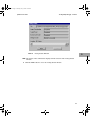
5. Update SSWE if you want others to see and share the changes. For complete
instructions on how to update SSWE, refer to the SNiFF+ User’s Guide.
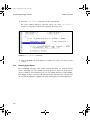
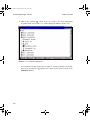
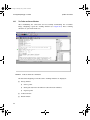
After adding files to your project, you must update your makefile to reflect the
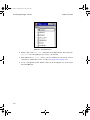
changes. To update your makefile, select Target → Update Makefile in the PE window.
SNiFF+ will then update your makefile automatically.
6-70