1
pug.book Page 4 Thursday, May 6, 1999 10:46 AM
The SingleStep Debugger - A Tutorial
pRISM+ User’s Guide
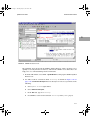
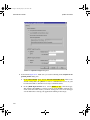
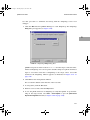
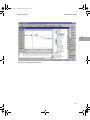
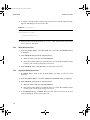
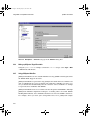
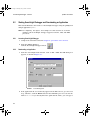
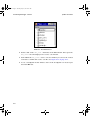
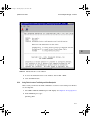
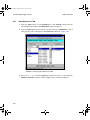
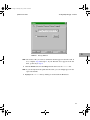
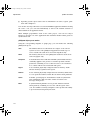
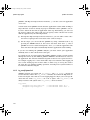
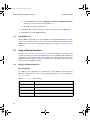
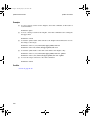
4. Click on the Connection tab.
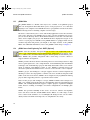
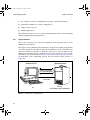
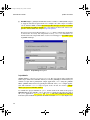
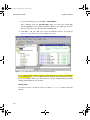
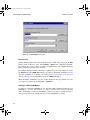
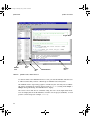
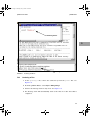
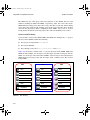
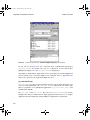
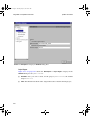
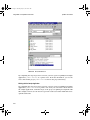
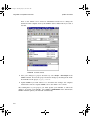
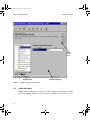
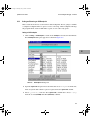
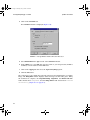
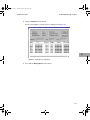
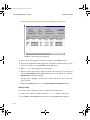
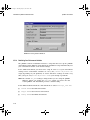
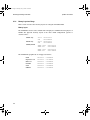
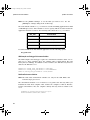
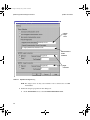
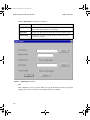
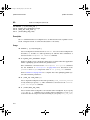
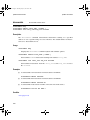
The Connection window is displayed (Figure 9-2).
FIGURE 9-2
Debug Window with Connection Selected
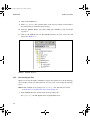
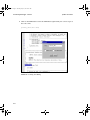
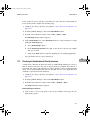
5. Select Network Host in the Type section of the Connection window.
6. In the Details box, select UDP and enter the name or your target board (if DNS is
available) or its IP address in the Host field.
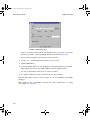
7. Click on the Logging tab and select the Log to screen (always) option.
8. Click the OK button.
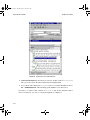
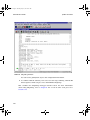
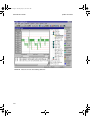
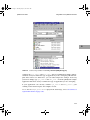
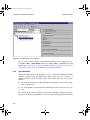
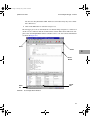
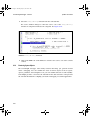
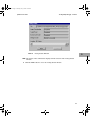
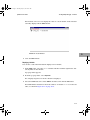
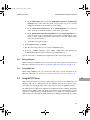
The system proceeds to make the network connection and download the executable
image. The Debug Status window displays status messages as this takes place. When
the download is complete, the Image Downloading, Target Reset, and Execute until ‘main’
fields should show Completed, and the Debug Session field should show Started
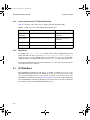
Successfully (Figure 9-3 on page 9-5).
9-4