1
pug.book Page 15 Thursday, May 6, 1999 10:46 AM
pRISM+ User’s Guide
Quick Start with a Tutorial
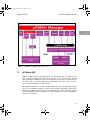
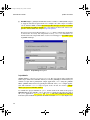
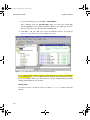
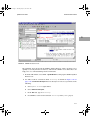
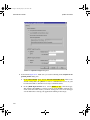
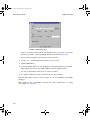
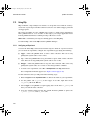
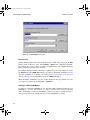
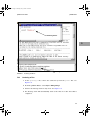
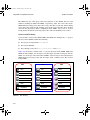
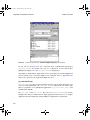
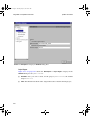
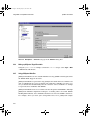
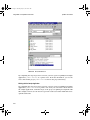
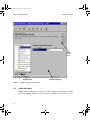
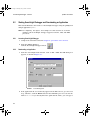
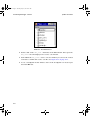
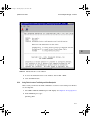
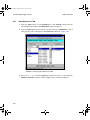
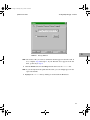
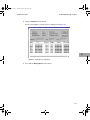
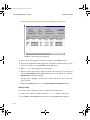
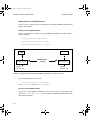
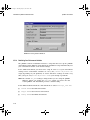
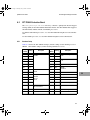
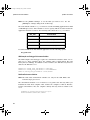
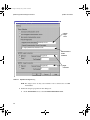
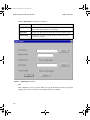
NOTE: If the BSP shown does not match what you plan to use for the tutorial,
select PrismSpace → Settings from pRISM+ Manager to change the BSP
setting as shown in Figure 3-10.
3
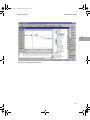
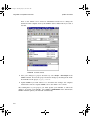
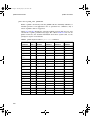
FIGURE 3-10 Project Settings Dialog Box
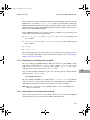
Editing a File with SNiFF+
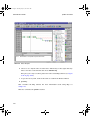
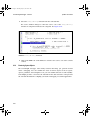
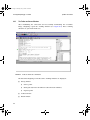
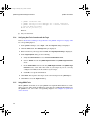
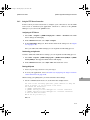
Use this procedure to use SNiFF+ to edit a file.
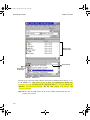
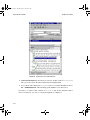
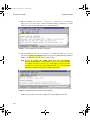
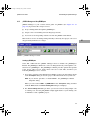
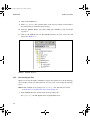
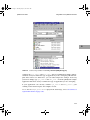
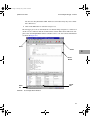
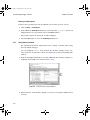
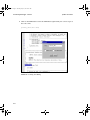
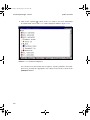
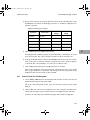
1. To edit any file, double click on the name of the file in the Project Editor window.
NOTE: The pSOSystem SNiFF+ integration implements file sharing out-ofthe-box. In order not to corrupt shared files, refer to Chapter 6 on
how to use SNiFF+ in your development environment after you
complete this tutorial.
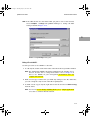
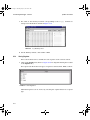
2. Make a local copy of a file before you make any changes to the file. Otherwise,
you can corrupt the only version of this file in pSOSystem.
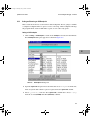
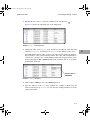
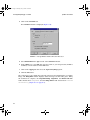
3. To make a local copy of any file, right click on the file and choose Make Local Copy
from the menu.
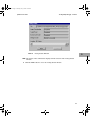
NOTE: You do not need to change anything in the pdemo sample application
to be able to continue with the tutorial.
3-15