1
Objects
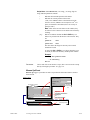
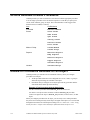
Object Inserted and Object Removed
trigger actions (CimEdit only) for the associated
SmartObject that is being inserted or removed.
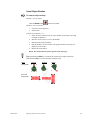
Smart Object triggers actions (CimEdit and
CimView) when the SmartObject is double-clicked,
triggered from a CimEdit menu or from an
associated popup menu. (A SmartObject event is
configured the same way as any other event.)
Note: The Object Explorer contains several
SmartObjects. In addition, a developer can create
new SmartObjects and use the Smart Object,
Object Inserted, or Object Removed
events to trigger procedures specific to the design
project.
See page 12-23.
Screens
Screen Close and Screen Open trigger
actions when a user closes or opens the screen on
which the event is configured.
Screen Close and Screen Open trigger
actions for all associated objects when the screen is
open or closed.
See page 12-30.
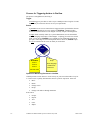
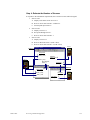
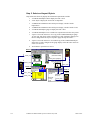
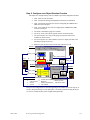
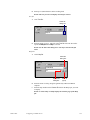
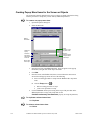
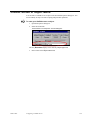
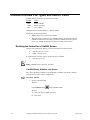
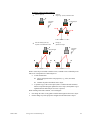
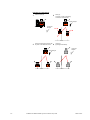
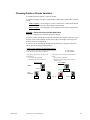
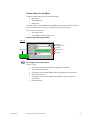
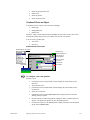
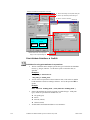
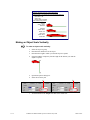
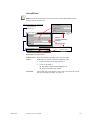
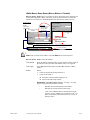
Example of Events Triggering Actions
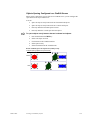
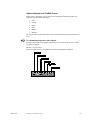
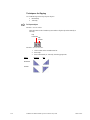
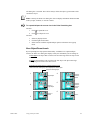
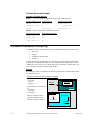
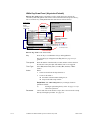
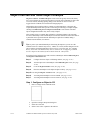
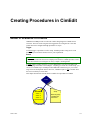
You have a screen with one object and one group.
You create a procedure in each.
You assign the same event to each. However, the event triggers different actions.
The type of event you assign affects when each action is triggered.
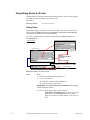
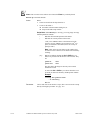
1.
In CimEdit:
You assign a Key Up event for key “A” to each:
§
For the screen, the Key Up event for key "A" opens Screen A
§
For the group, the Key Up event for key "A" opens Screen B
§
For the object, the Key Up event for key "A" opens Screen C
In CimView:
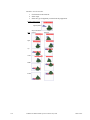
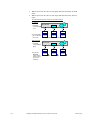
When a user presses then releases key "A" in CimView, all the screens open.
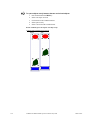
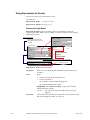
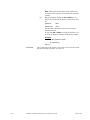
2.
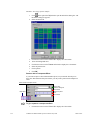
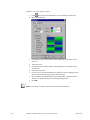
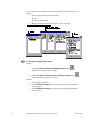
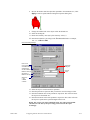
In CimEdit:
You assign a Mouse Up event to each:
§
For the screen, the Mouse Up event opens Screen A.
§
For the group, the Mouse Up event opens Screen B.
§
For the object, the Mouse Up event opens Screen C.
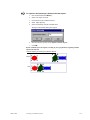
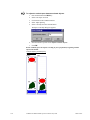
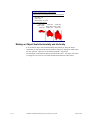
In CimView:
§
GFK-1396F
When a user moves the cursor over the screen and clicks the mouse, Screen A
opens.
Creating Events in CimEdit
12-3